



December 27, 2022
Problem:
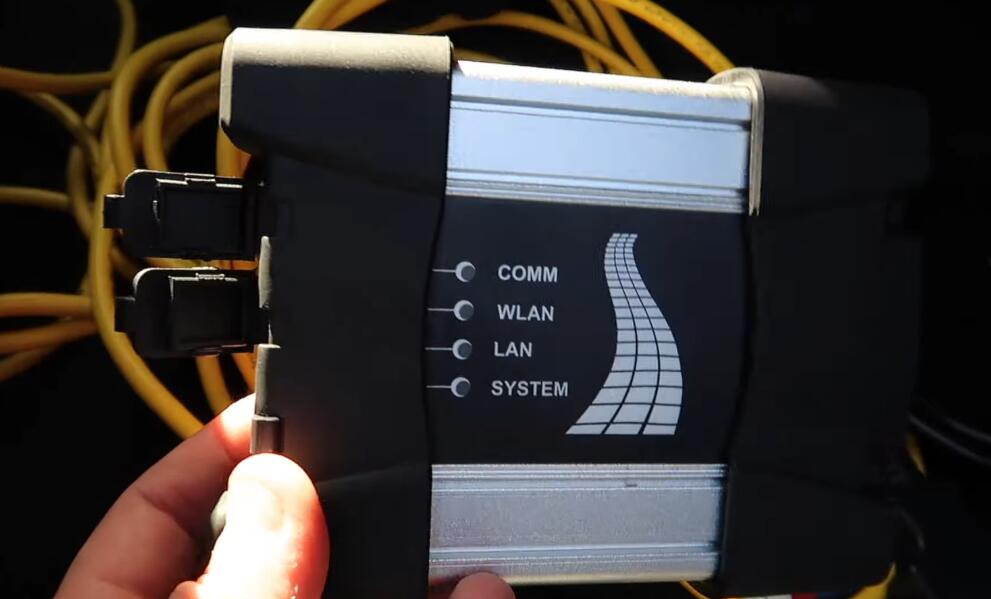
ISTA/P certified software works with USB K+DCAN interface via the loader emulator but cannot get it to recognize anICOM NEXT interface(purchased from a BMW dealer). The interface works fine with ISTA+ and INPA (also shows fine in iToolRadar)
Solution/ Recommendation:
We do not support any third party ICOMs /cables, there so many of them floating all over the internet and most of them won’t work or goes ON and OFF on you, like sometimes they work, sometimes they don’t.
We only support the ICOMs / cables we offer as they come with technical support and hardware warranty as well,beside they are guaranteed to work with our certified software.
Simply, select theISTAPserver manually from connection manager and enter the IP address of the ICOM which you can be found from IToolRadar.
Posted by: Emily white at
01:48 AM
| No Comments
| Add Comment
Post contains 136 words, total size 2 kb.
December 20, 2022
NOTE: Adjusting the mileage on a vehicle should only be done if replacing the odometer or ECU or other issues change the mileage of the vehicle.
Connected X100 PRO2 to the OBD port of my car via the main cable. And turn the ignition switch on.
Now the mileage is 86231 now.
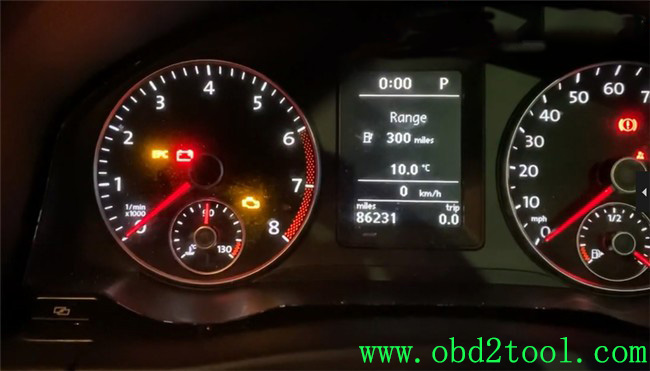
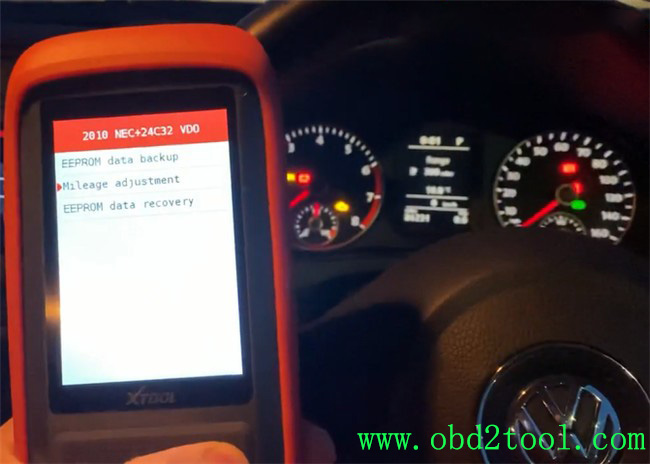
Then go to dashboard function, and select where the car was made not where you’re at.
So I’m going to select Europe, VW, 2010 NEC+ 24C32 VDO, then select mileage adjustment and mile.
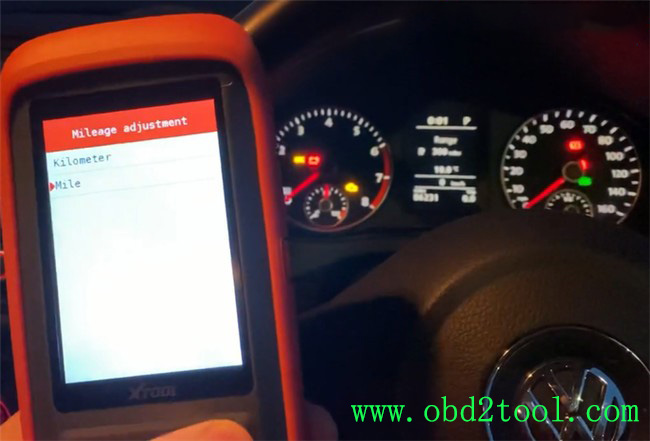
There is a note appears on the screen:
Before modifying mileage, make a backup of the EEPROM data.
Just read it and go to read the data.
It reads out the original mileage is 86254 mile. It’s a little different from the value on the dashboard, but it’s ok.
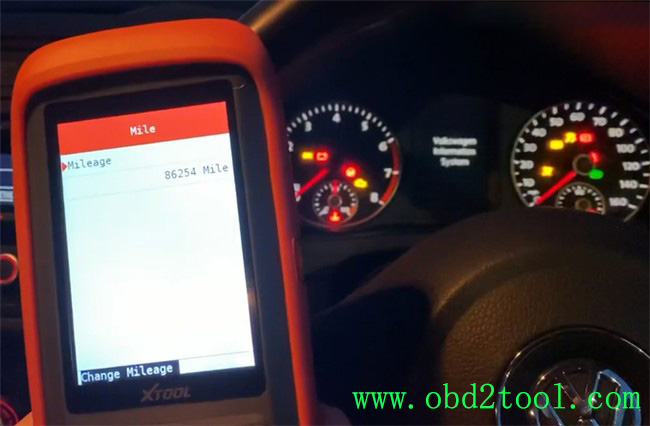
So I go to change mileage. Input the new value 82100 mile.
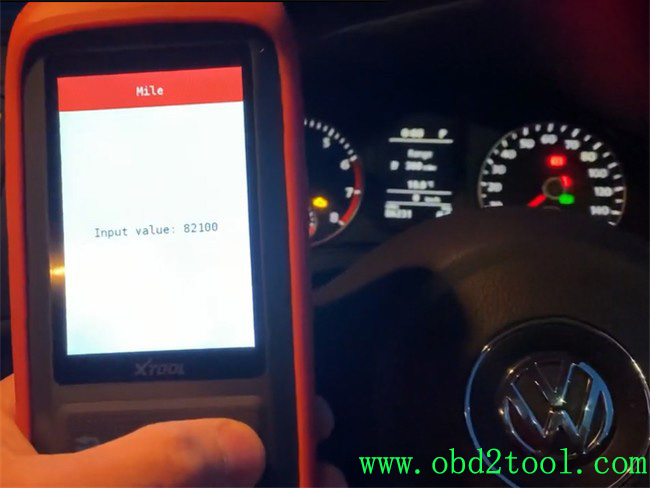
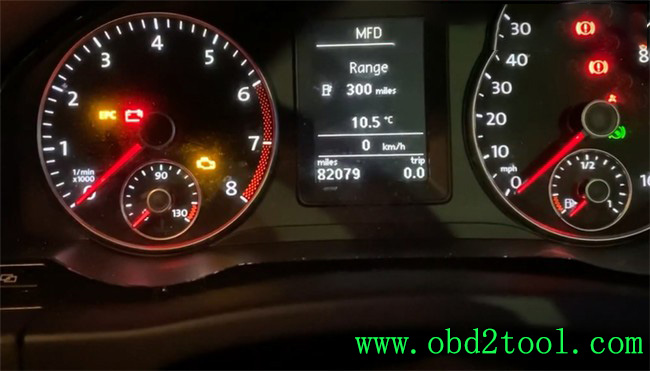
Awesome! The mileage is changed successfully, now the value on the dashboard is 82079 mile.
I’ve known some users say they cannot change mileage on their car with XTOOL X100 PRO2 auto key programmer. I don’t think it will work on all models, so it’s better to contact us before buying.
https://www.obd2tool.com/goods-10277-XTOOL-X100-Pro2-Auto-Key-Programmer.html
Posted by: Emily white at
09:16 AM
| No Comments
| Add Comment
Post contains 212 words, total size 5 kb.
December 14, 2022
Caused the error reason:
Use other power supply notPCMtunerpackage plug will burn the resistance
If you use OBD for Power supply. Please do not plug in a sepatate 12v, otherwise, it will cause the device transistor or step-down chip to burn.
Must use PCMTuner professional power supply!
If you use your own lab power and viltage regulator.You don’t know how device power works.Just the voltage to 13.5 or whatever you think will cause the whole triode to turn out.
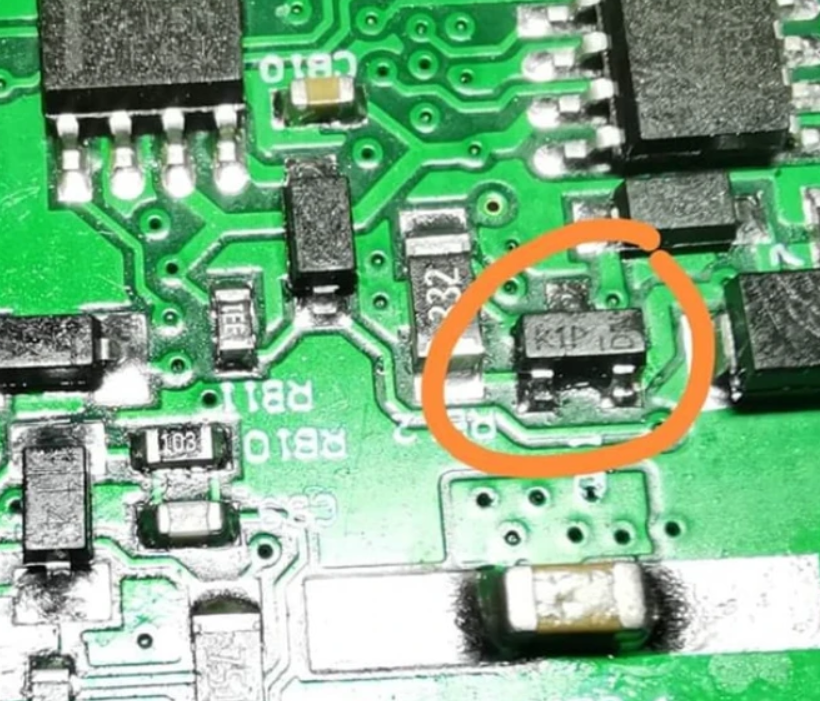
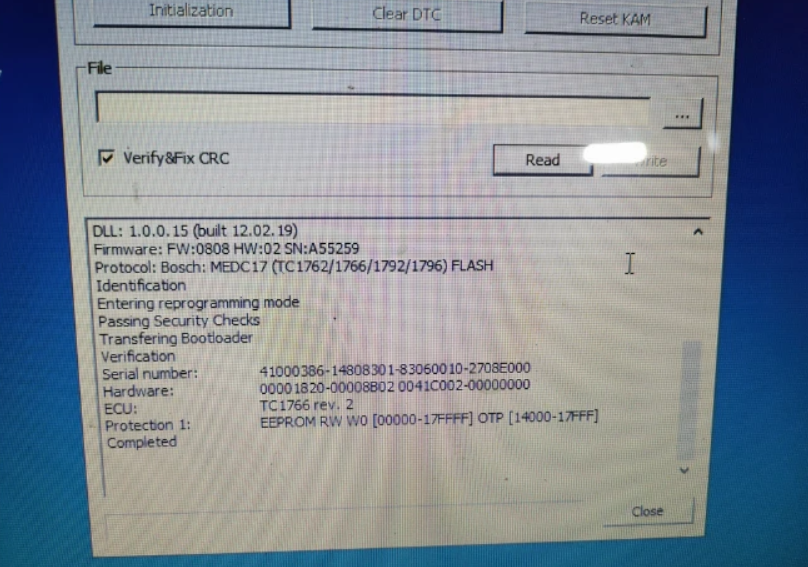
PCMTuner Module 71 Bench Mode Not Working solution:
1. Resoldered two resistance
2. Replace two resistance (if old resistance is lost or damaged)
Here is a resistance replace tutorials: Feedback by PCMtuner User:
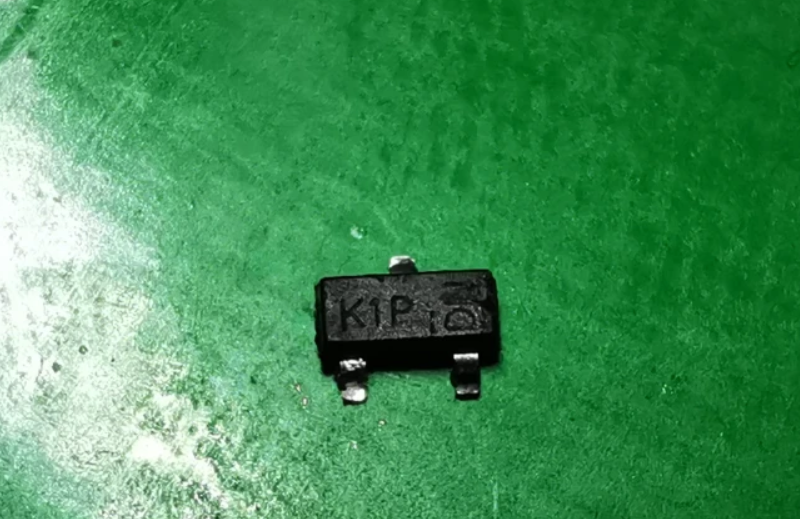
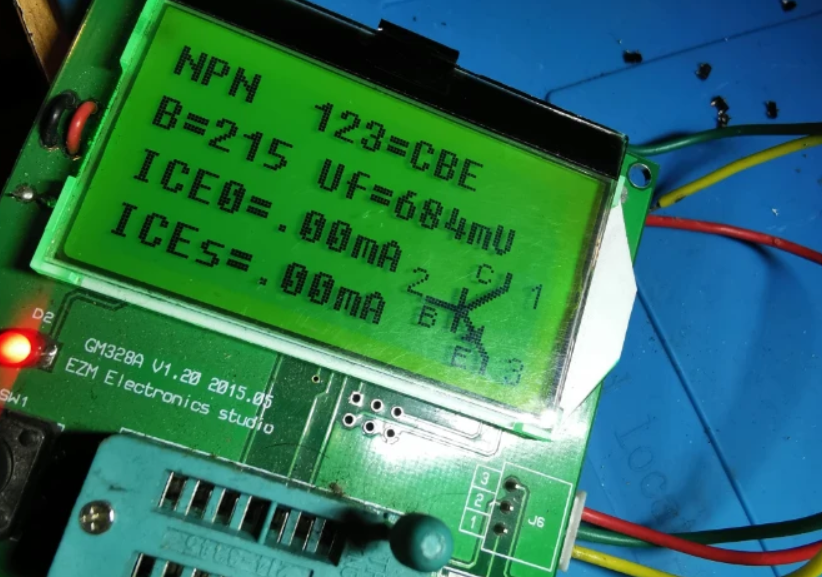
Resoldered two transistors K1P, and work bench mode. One Soldered K1P other analog p1P. I haved only one K1P
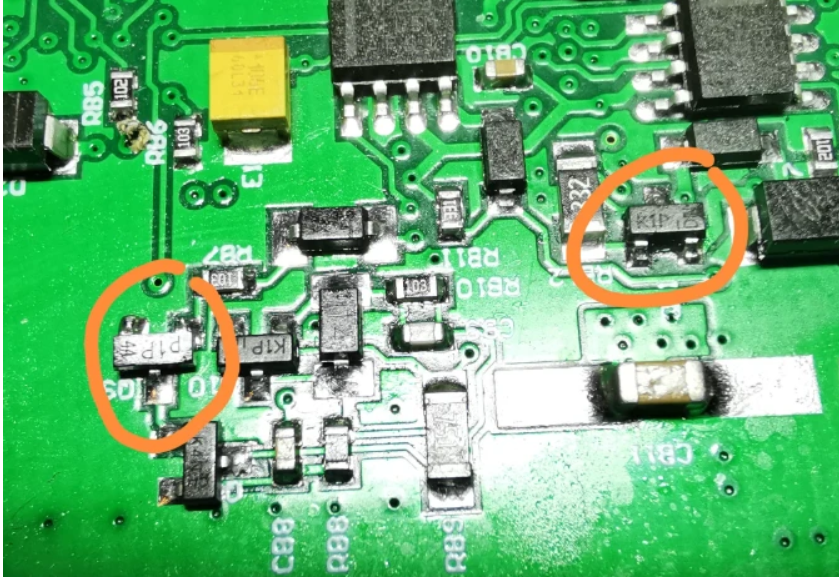
Replace first this transistor, K1P, analog 1P,p1P
K1p mmbt2222a-0.6A 40/75v and p1p pmbt222a – 0.8A 40/75V
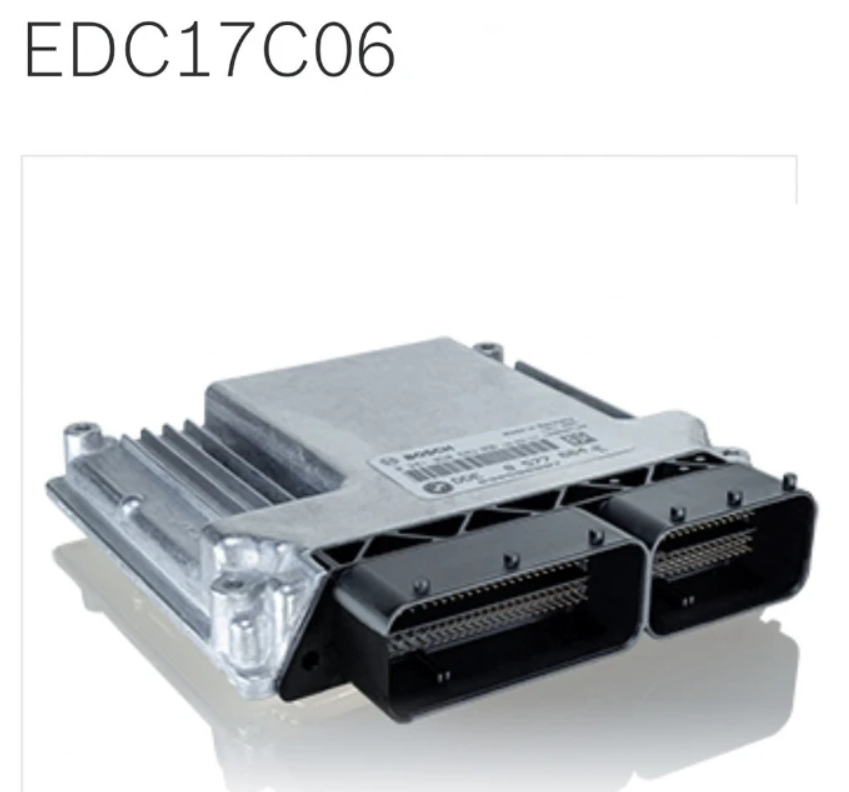
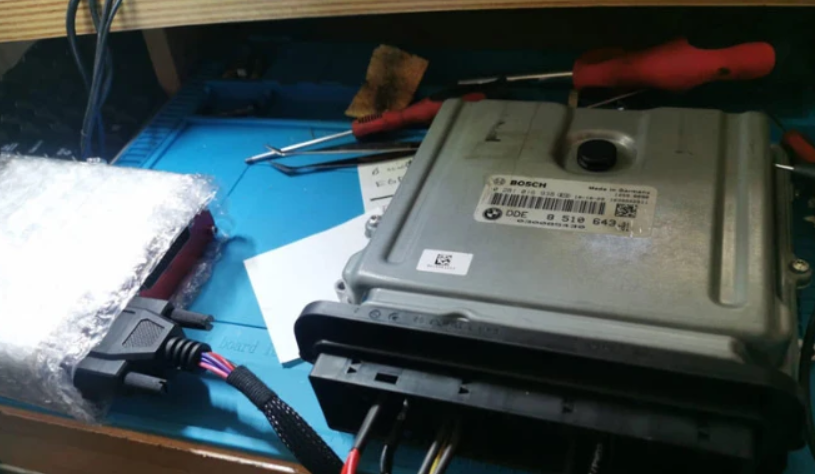
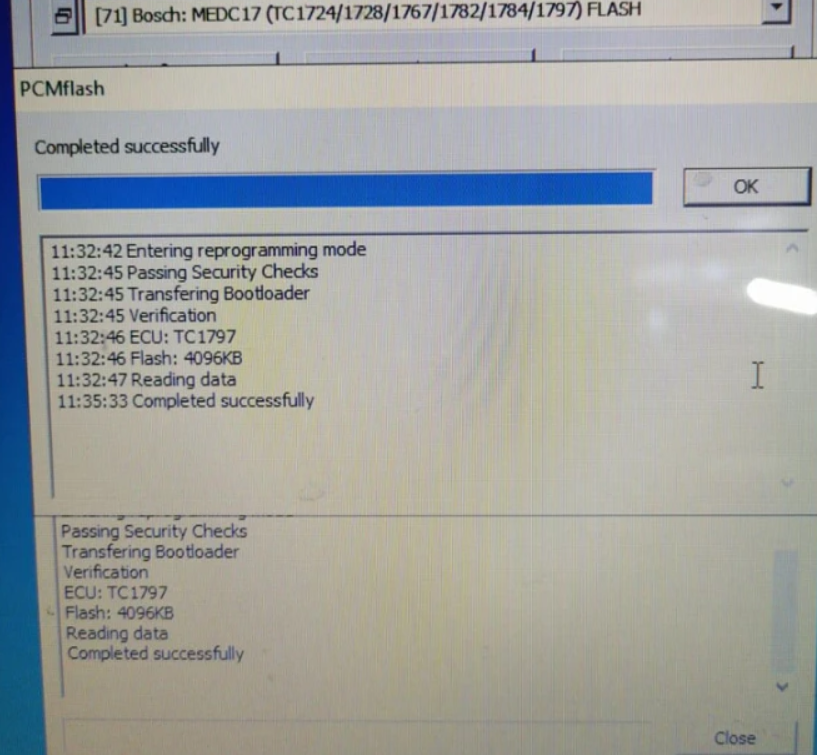
Read EDC17C06 on bench Successfully
Product Category: Engine Control Unit
Manufacturer Number: 0281015042
Brand: Bosch
Manufacturer:BMW
Vehicle Manufacturer No.:7811701
Posted by: Emily white at
01:36 AM
| No Comments
| Add Comment
Post contains 174 words, total size 6 kb.
32 queries taking 0.0681 seconds, 162 records returned.
Powered by Minx 1.1.6c-pink.

