



December 15, 2021
Launch X431 PAD V, Pad VII, PAD III all support online programming function , but some equipment was shield by original factory , you can open the function as bellowing steps :
Setting online programming functions operations :
Enter into other – equipment-File management – cnlaunch folder – X431PADV – assets folder find out the StdCfg.ini file
Open the StdCfg.ini with text editor ,Click the edit button on the upper
right, make the file in edit state, Find out OnlineFlash and Flash ,the
default value is 0 , means not support online programming , Click on
the corresponding field and change the value to 1 , click save . Let the
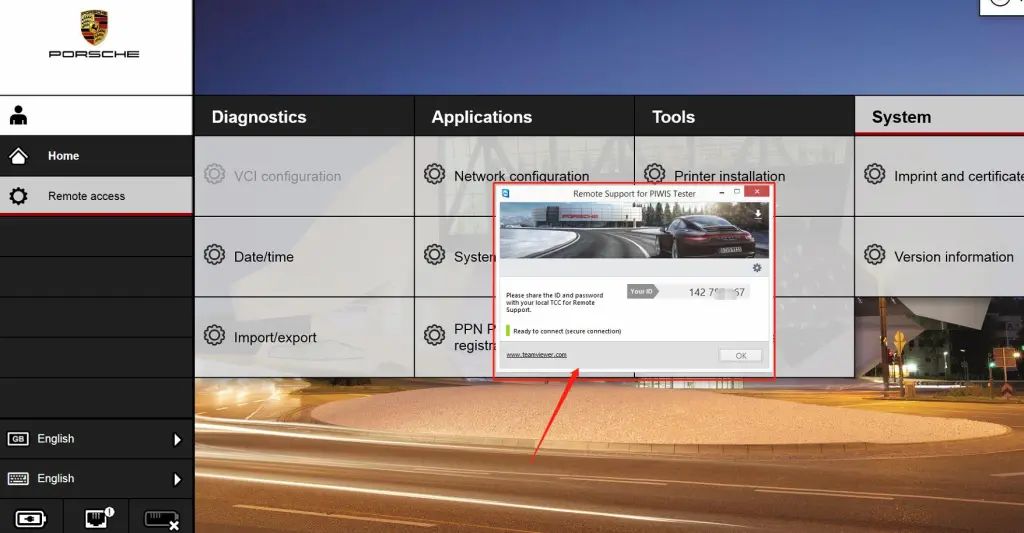
value to 1 like the bellowing picture :
Then , the diagnostic software of your machine can support online programming function .
Be attention : America north countries not support online programming recently , the other area can do it like the above steps , and the online programming menu will not display on front page,you should enter into the diagnostic software then can find the Corresponding menu .
Posted by: Emily white at
10:07 AM
| No Comments
| Add Comment
Post contains 195 words, total size 3 kb.
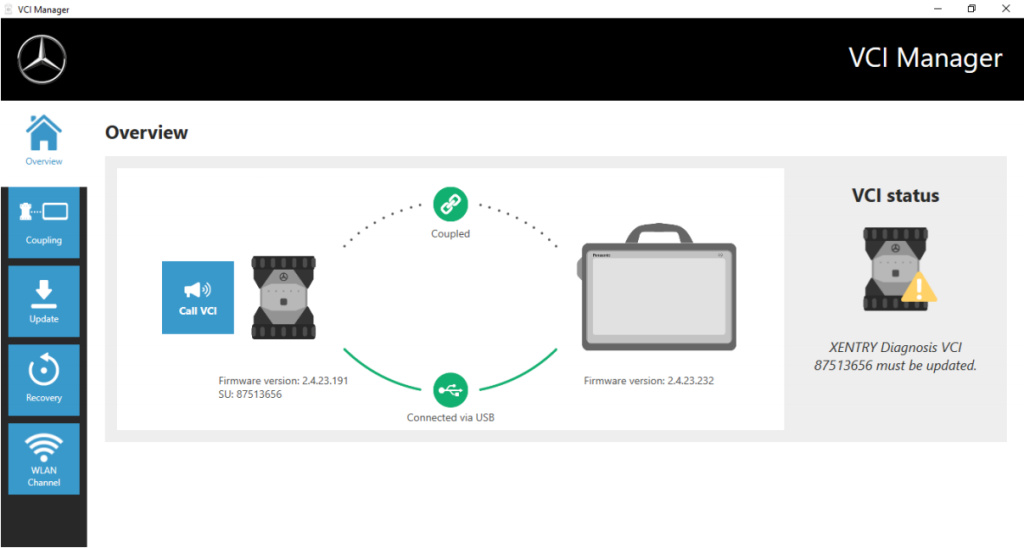
After an update to the XENTRY Diagnosis Pad 2, you may then need to update the firmware for the Xentry diagnosis VCI.
You can also see this in the VCI Manager on the overview page:
Click in the "Update†menu item in the VCI Manager and then on the "Start update†button.
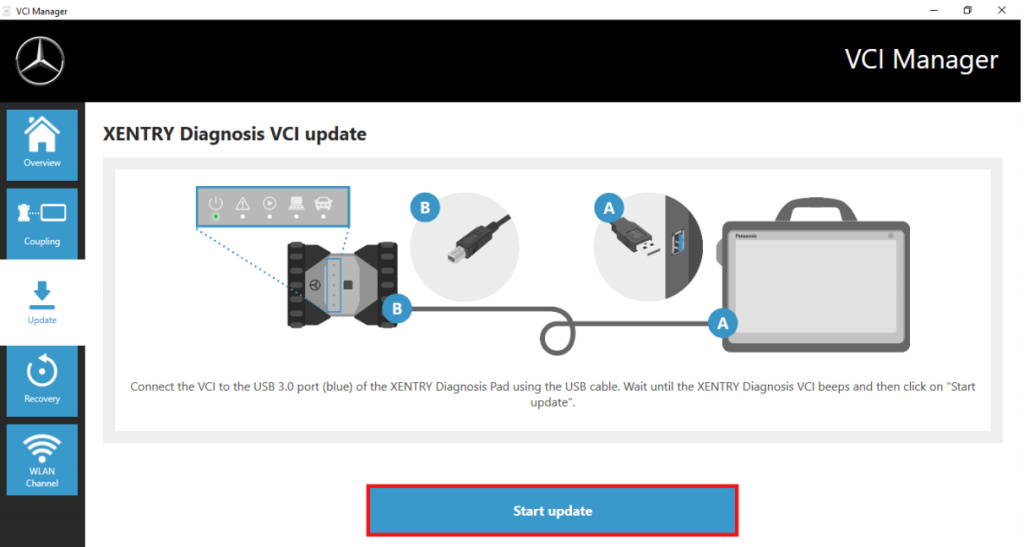
When executing the update, please ensure that the USB connection between XENTRY Diagnosis Pad and VCI is not
interrupted.
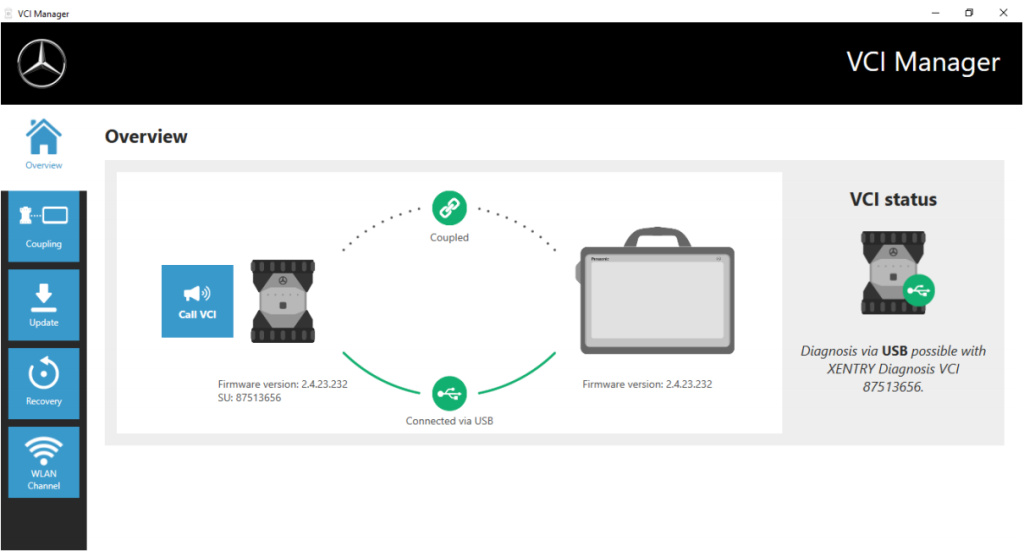
Once the update has completed, you can then continue to work with XENTRY Diagnosis Kit 4 as usual.
Posted by: Emily white at
09:23 AM
| No Comments
| Add Comment
Post contains 96 words, total size 2 kb.
32 queries taking 0.0579 seconds, 160 records returned.
Powered by Minx 1.1.6c-pink.

