



October 24, 2019
To Program Volvo 5-button and 6-button smart key with Yanhua Mini ACDP, you have to read data from CEM and KVM module first. Then write key by uploading password data.
Volvo license is required.
ACDP Mini supports following Volvo key programming models:
Supports 5-button remote key add key and all keys lost
Supports 6-button smart key add key and all keys lost
Volvo S60 (2010-201
Volvo S80 (2009-2016)
Volvo XC60 (2009-201
Volvo V60 (2011-2017)
Volvo V70 (2009-2016)
Volvo XC70 (2010-2016)
Read Volvo KVM Data withKey Programmer ACDP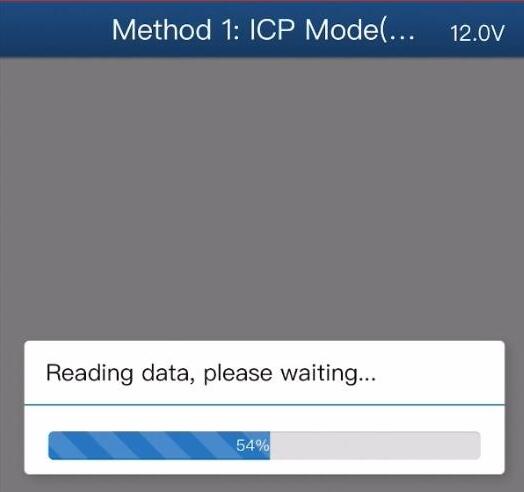

Without Soldering
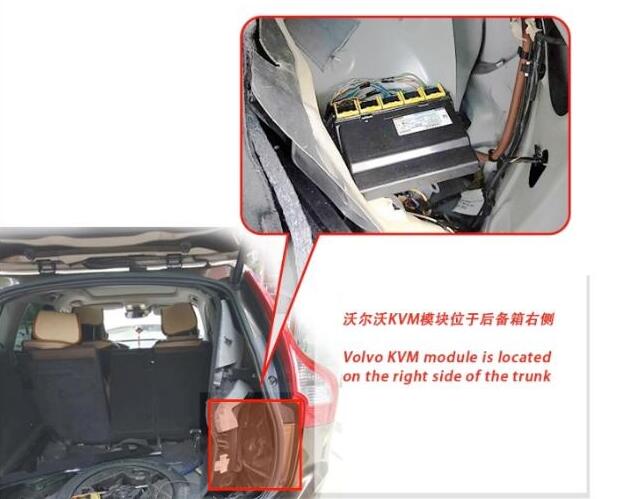
Remove the Volvo KVM module located on the tight side of the trunk
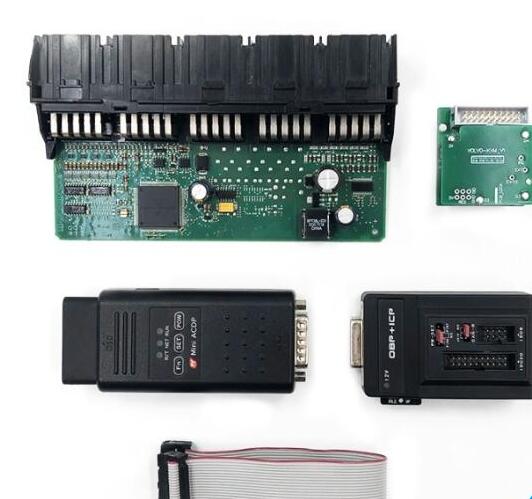
Disassemble the KVM module
Prepare ACDP host, OBP+ ICP adapter, KVM interface board and 20 pin cable

D1-D4 regional figual and picture of each test point location
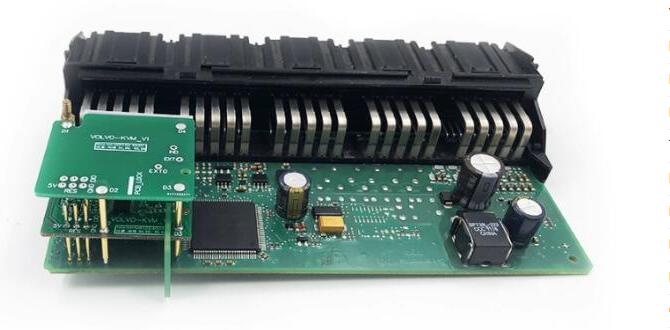
Install KVM interface board according to the registration point D1-D4
Connect the KVM module and ACDP programmer
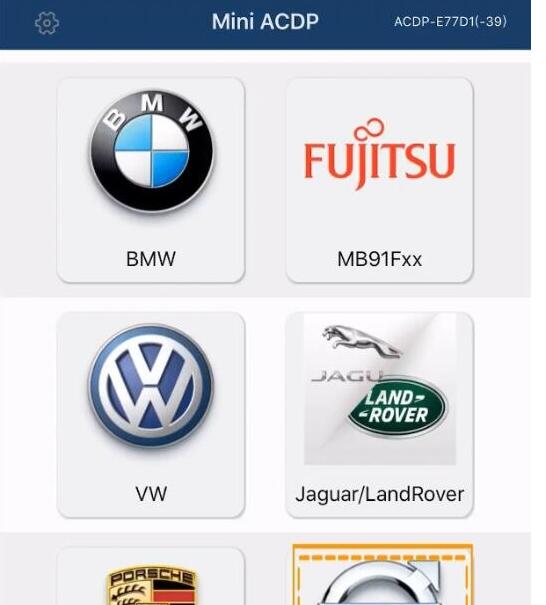
Open Mini ACDP app
Select Volvo module
select model, i.e XC60 (2009-201
->Full Keyless->Read KVM password

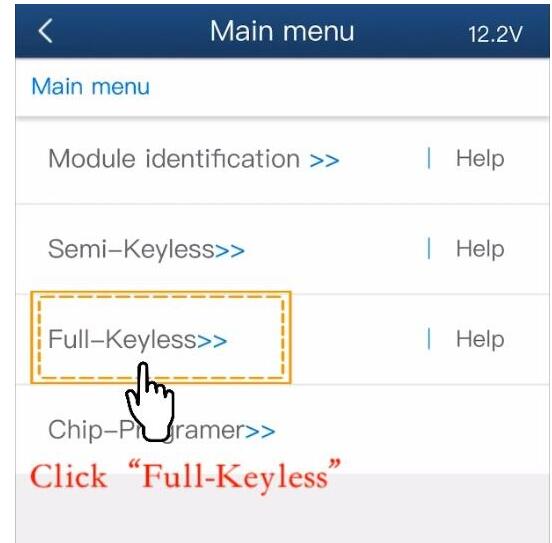
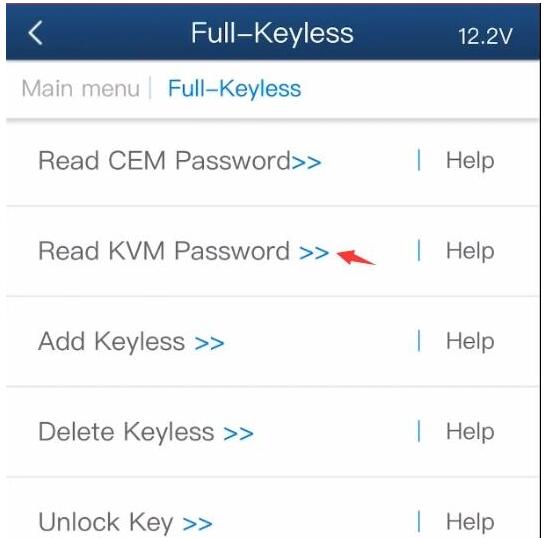
Check well connection is built
Detect PIN
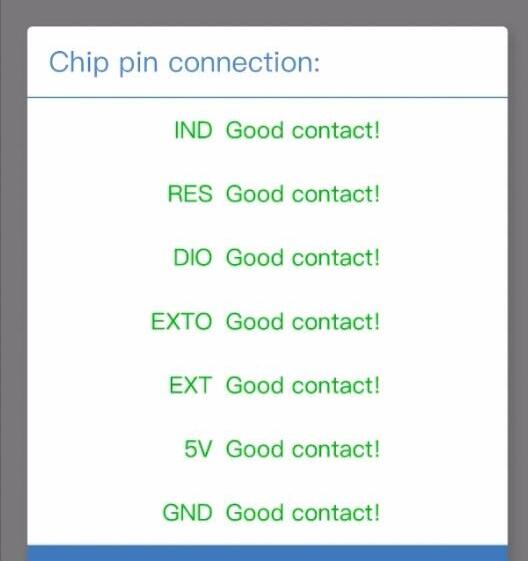
Passed Pin detection. If not, clean the corresponding test point
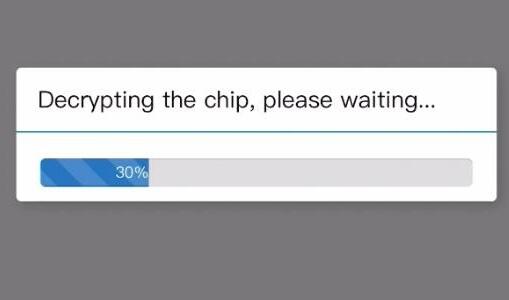
Decrypting the chip
Confirm VIN information
Press OK to save KVM data
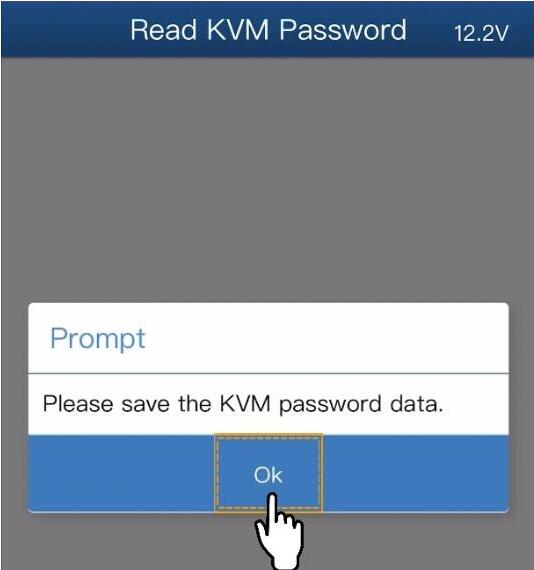
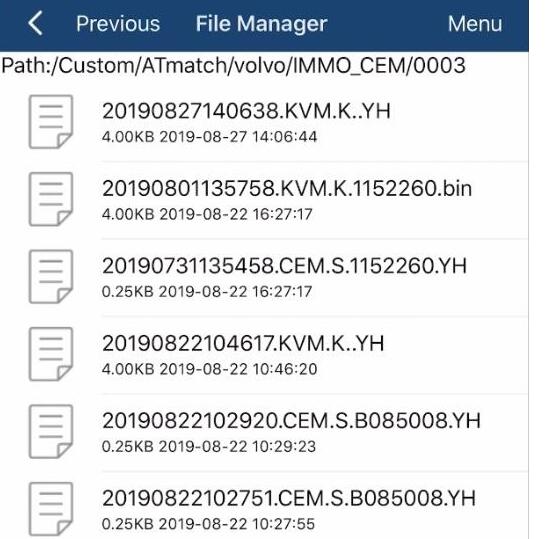
KVM data is backed up to default folder

Read Volvo CEM Data with Yanhua ACDP Without Soldering
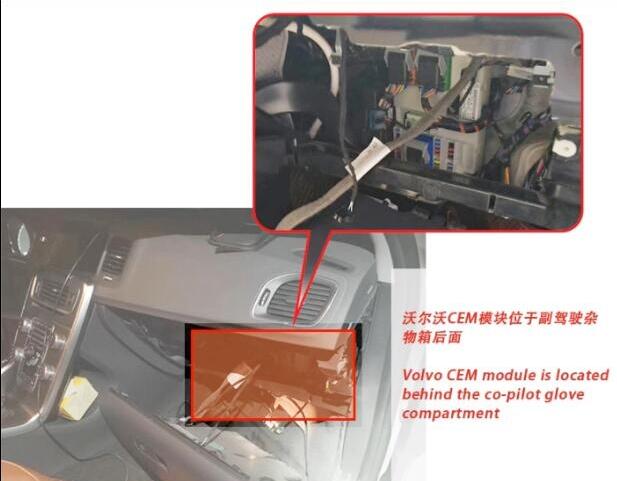
Remove Volvo CEM module behind the co-pilot glove compartment
There are 2 types of CEM module
Volvo CEM Type 1:
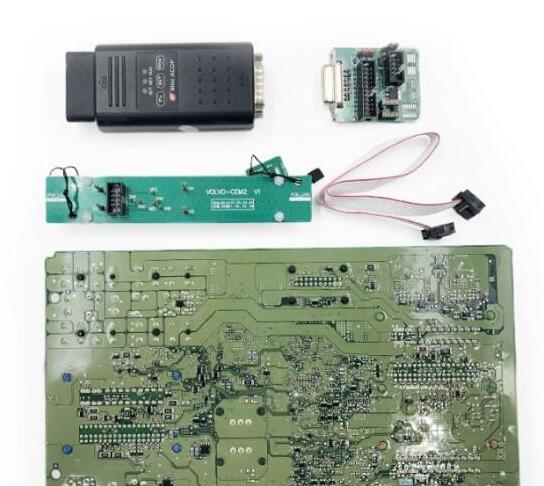
Disassemble the CEM module and prepare the ACDP, OBP+ICP adapter, CEM interface board and 8-PIN cable
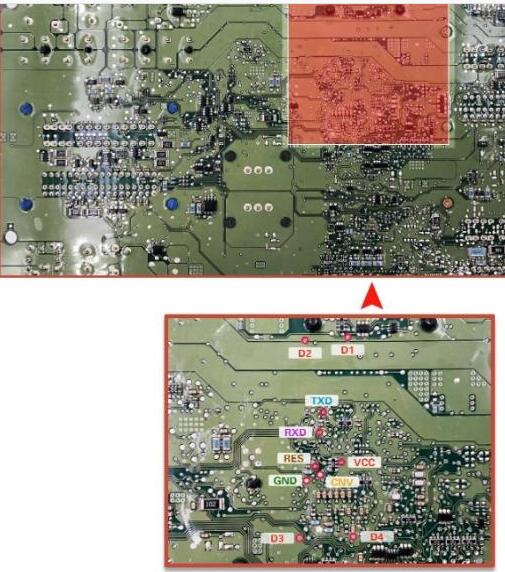
D1- D4 and each test point
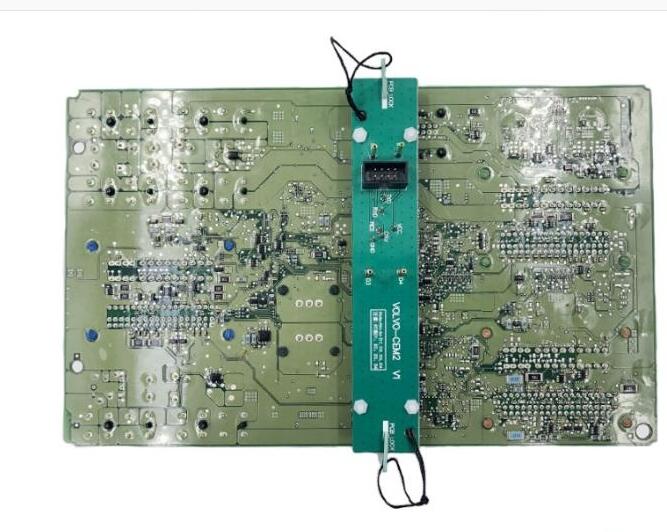
Install the CEM interface board according to the location point D1-D4
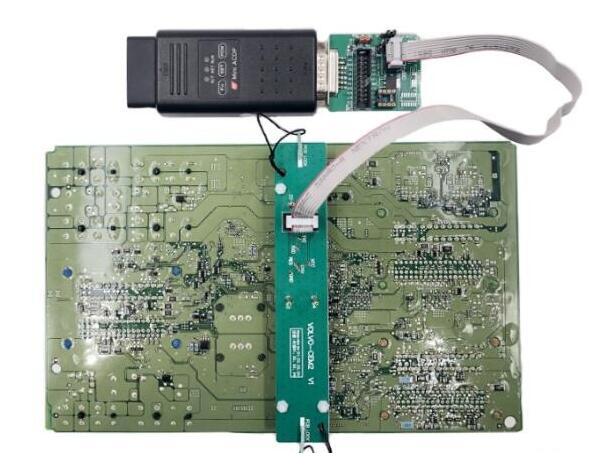
Connect ACDP host and CEM interface board as picture above
Volvo CEM Type 2:
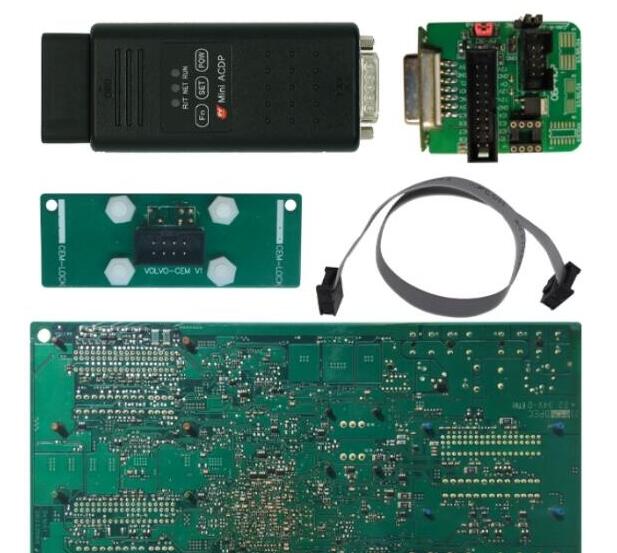
Disassemble the CEM module and prepare the ACDP, OBP+ICP adapter, CEM interface board and 8-PIN cable
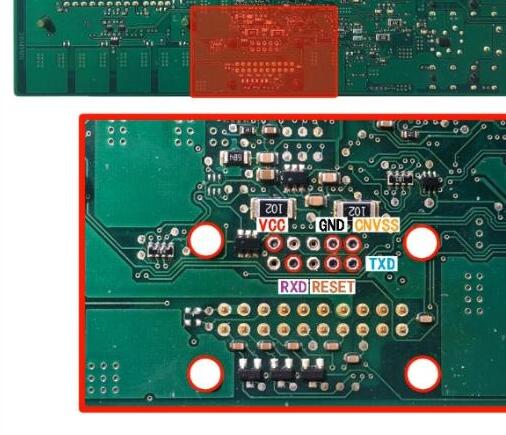
D1-D4 and each test point
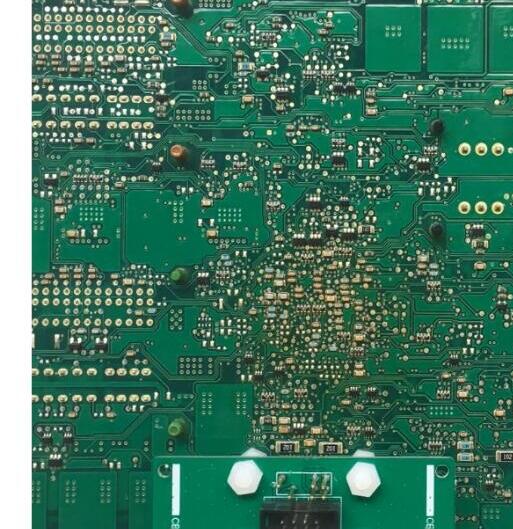
Install the CEM interface board according to the location point D1-D4
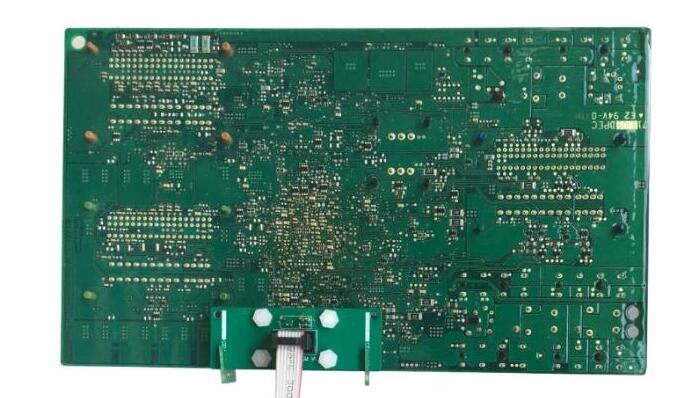
Connect ACDP device and CEM interface board
Open ACDP Mini App
Select Volvo module
select model, i.e XC60 (2009-201
->Full Keyless->Read CEM password->Method 1: ICP Mode

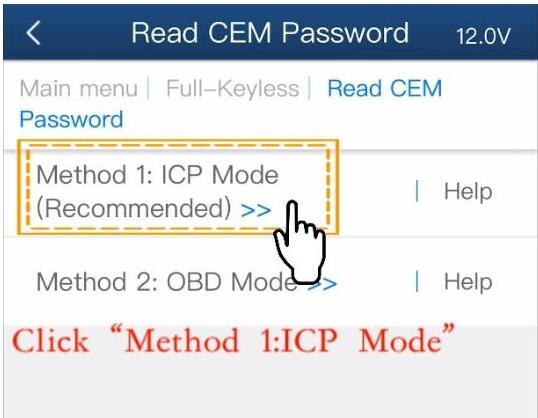
Check connection

Detect PIN
Reading data
Check the VIN
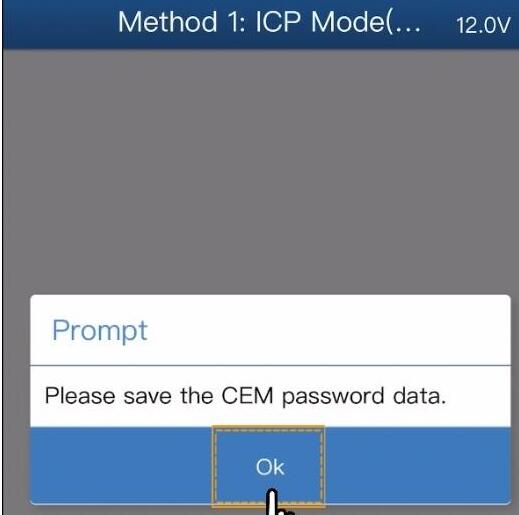
Press OK to save CEM password data
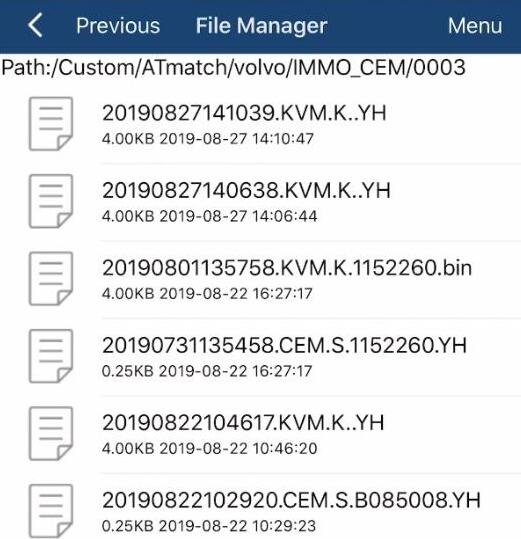
CEM data was saved to default folder.
Then you can add keyless smart key by upload password data.
Done.
Posted by: Emily white at
10:57 AM
| No Comments
| Add Comment
Post contains 380 words, total size 15 kb.
October 18, 2019
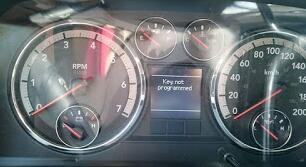
Here is a guide on programming a new Dodge key with SKP-900 Key Programmer made by Obd2tool.com technicians.
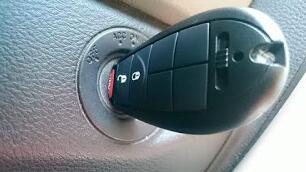
Connect the SKP-900 carOBD2 key programmer to the car and insert the blank key.
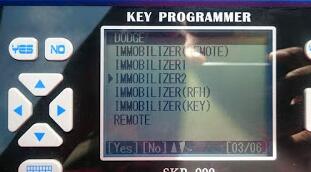
Select the immobilizer type.
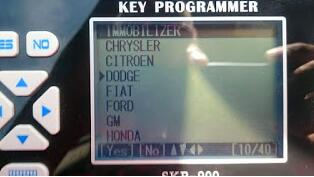
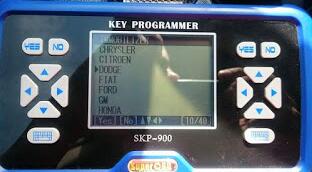
Select car model.
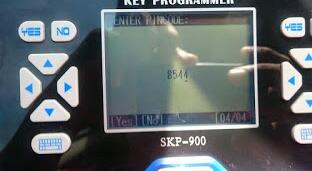
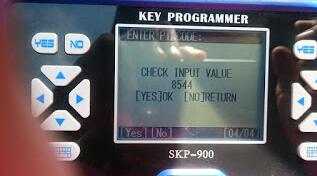

New key programmer, now we will test it if it can start the car.
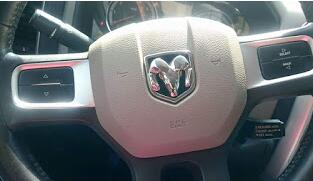
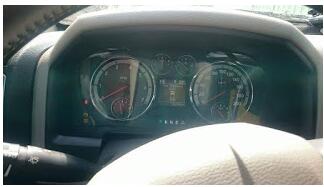
The key works perfect.
Posted by: Emily white at
09:42 AM
| No Comments
| Add Comment
Post contains 66 words, total size 3 kb.
October 17, 2019
This is an instruction on how to program key fob to 2007 Cadillac CTS-V using a GM Tech2 Tech II scanner.
Model: 2007 Cadillac CTS-V
The process…here you go…
The key to be programmed
Insert the key and ignition on
The gm tech 2 scan tool power on
In the main menu, go to Diagnostics
Select model: 2007 Cadillac D (DN) CTS-V passenger car
Then go to Vehicle Control Systems
Read vehicle info
Engine type: (U) 6.0L V8 LS2
Go to Module Setup
Then Remote control door lock receiver
Program key fobs…
Two key fobs to be programmed
Tips of programming key fobs:
All key fobs must be programmed each time any one fob is programmed. To program,press and hold the LOCK and UNLOCK key fob buttons prompted by the TECH 2. Programming takes 15-30 minutes….
Programmed complete and test it’s working.
Done!
Posted by: Emily white at
10:55 AM
| No Comments
| Add Comment
Post contains 154 words, total size 1 kb.
32 queries taking 0.0254 seconds, 162 records returned.
Powered by Minx 1.1.6c-pink.

