



March 16, 2020
Confirmed! Auro IM600 or Autel MaxiIM IM608 Can clear Audi A3 error code via OBD, with one-key clear, Only takes 2 minutes
Here is the step-by-step guide of Audi A3 Car Error Code Removal with MAXIIM IM608/Auro IM600
First, connect Autel IM608 to the vehicle, enter menu select Diagnostic function then select "AUDIâ€
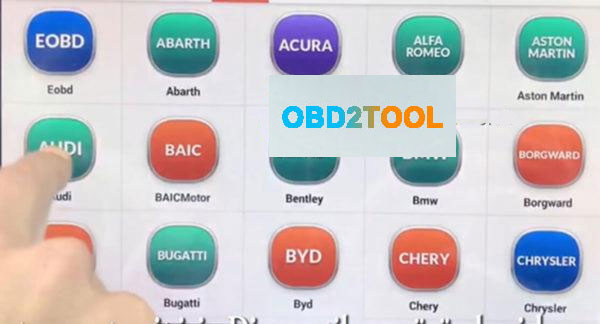
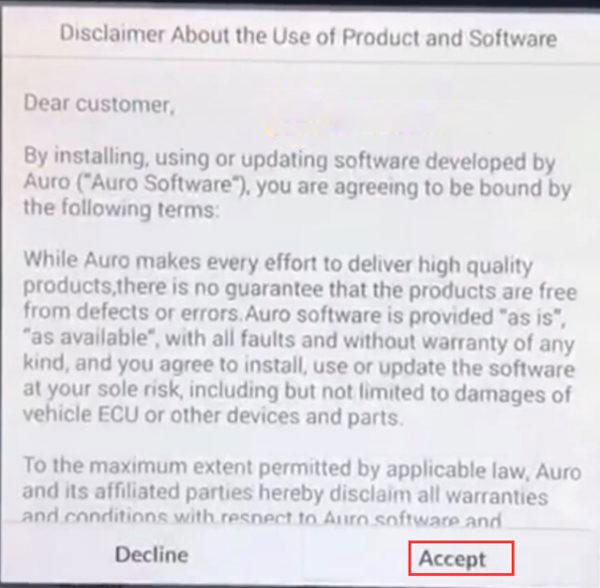
Accept their disclaimer, then diagnostic program loading, wait a moment …

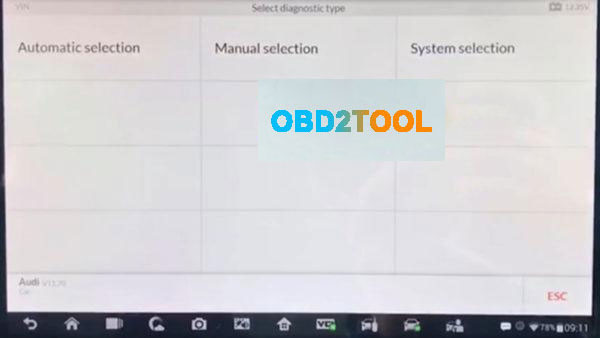
Automatic selection: Device can read automatic VIN number by
OBD after that device will select the car’s system.
Manual selection: If u know car mark, Model and years information u can use this option
System selection: If u know car system, u can select directly car system than
you can read all DTC code
Note: The first automatic selection should be preferred.
Here select "Automatic selection†to read VIN
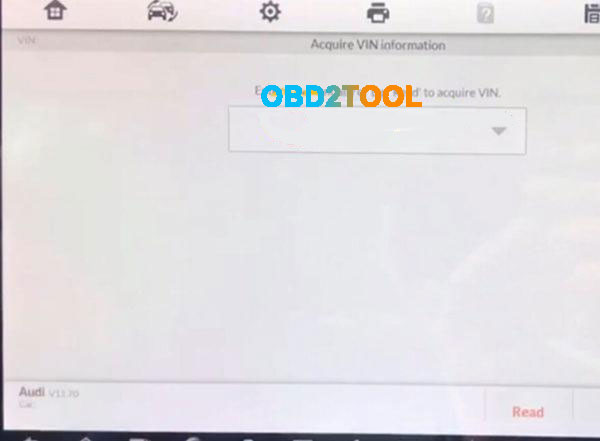
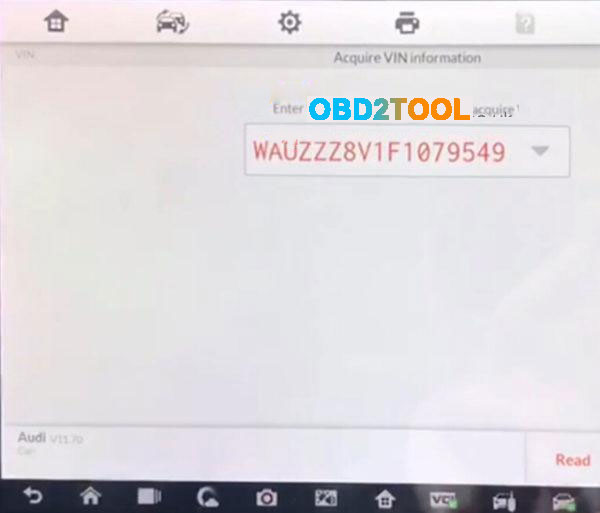
Read the vehicle info:
Vehicle type: Audi A3 2013>
Vehicle yeas:2015(F)
Then press "YES†to continue
Note: Sometimes it may be necessary to choose according to the vehicle feature.
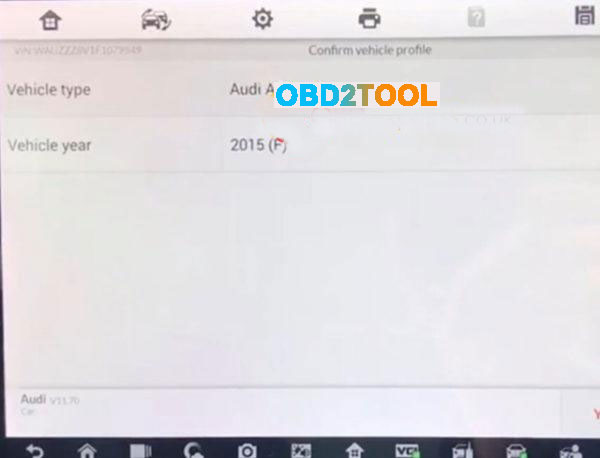
Select"Saloon, 4-doorâ€
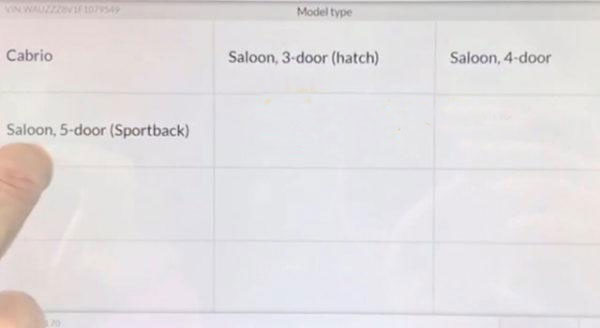
Select"CLHA 1.61 TDI/77KWâ€
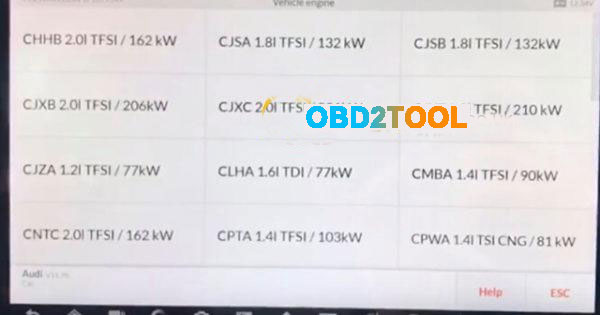
Note:The initial word of the vehicle engine number, the other parts is motor
indicates information.
Diagnosis –automatic selection by can see the all error codes with scan
Selectâ€Diagnosisâ€
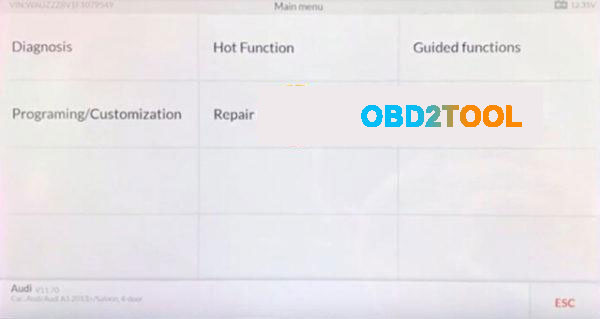
Selectâ€Auto scanâ€
then communication status..Wait a moment

Error and Number Errors as below:
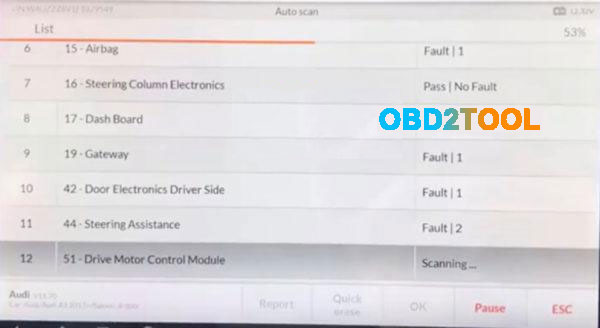
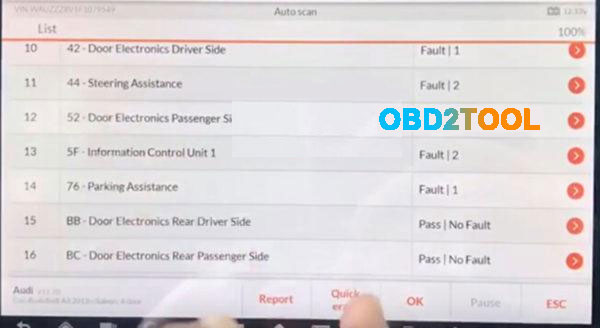
After the code is read out, press "Quick eraser†to clear,only 1 minute
after the code error clean,pressâ€ESC†to exit and back to the diagnotic menu interface
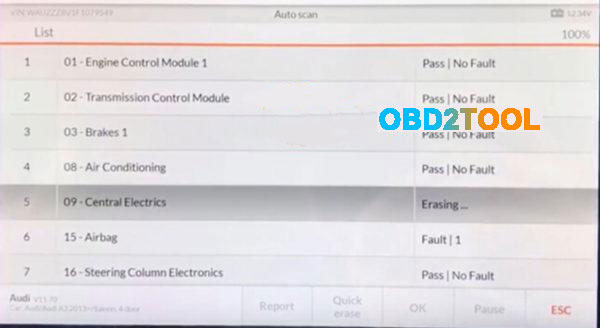
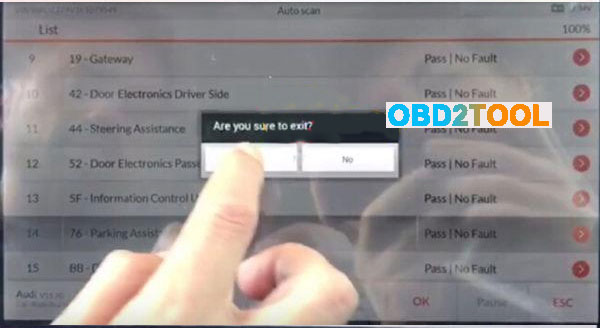
Done! Audi A3 2015(F) Error Code clear via IM608/IM600 is OK!
Posted by: Emily white at
10:18 AM
| No Comments
| Add Comment
Post contains 256 words, total size 8 kb.
Autel MaxiIM 608,A fast-access option for OBD II/EOBD vehicle diagnosis is available on the Vehicle Menu screen. This option presents a quick way to check for DTCs,isolate the cause of an illuminated malfunction indicator lamp (MIL), check monitor status prior to emissions certification testing, verify repairs, and perform a number of other services that are emissions-related. The OBD direct access option is also used for testing OBD II/EOBD compliant vehicles that are not included in the Diagnostics database.
Functions of the diagnostics toolbar buttons at the top of the screen are the same as those available for specific vehicle diagnostics.
Autel IM608 General Procedure
To access the OBD II/EOBD diagnostics functions
1. Tap the Diagnostics application button from the MaxiIM Job Menu.
The Vehicle Menu displays.
2. Tap the EOBD button. There are two options to establish communication with the vehicle.
Auto Scan – when this option is selected the diagnostic tool attempts to establish communication using each protocol in order to determine which one the vehicle is broadcasting on.Protocol – when this option is selected the screen opens a submenu of various protocols. A communication protocol is a standardized way of data communication between an ECM and a diagnostic tool. Global OBD may use several different communication protocols.
3. Select a specific protocol under the Protocol option. Wait for the OBD II Diagnostic Menu to appear.
NOTE
Tapping the button displayed beside the function name opens a bubble with additional function information.
4. Select a function option to continue.
DTC & FFD
I/M Readiness
Live Data
On-Board Monitor
Component Test
Vehicle Information
Vehicle Status
Posted by: Emily white at
09:58 AM
| No Comments
| Add Comment
Post contains 274 words, total size 2 kb.
March 04, 2020
1. What does JPRO do?
JPRO empowers diesel technicians to diagnose and repair all makes, models, and components. JPRO reduces a technician’s dependency on OEM software by offering industry-leading bi-directional controls, including DPF regens, cylinder cutouts, parameter changes, and much more. For detailed information and full coverage details, visit the JPRO Professional page.
2. What trucks will JPRO work on?
For commercial vehicles,JPRO Professional is an all makes, models, and components solution. For detailed information, check out our coverage chart.
3. If I buy JPRO, do I need anything else?
JPRO Software requires a compatible Windows based PC, Laptop or Tablet, RP1210C compliant adapter and the appropriate cable that connects the computer to the vehicle’s OBD-II, 9-Pin or 6-Pin port.
If you do not already own the items listed above we recommend purchasing JPRO as part of an adapter or diagnostic service kit.
4. Can JPRO Commercial Vehicle Diagnostics perform bi-directional vehicle tests such as Cylinder Cut Out tests?
Yes. JPRO comes loaded with industry-leading bi-directional tests for the makes and models you commonly repair. For a full list of included tests, visit our coverage chart.
5. Can JPRO Commercial Vehicle Diagnostics adjust user-configurable parameters such as road speeds or idle shutdown settings?
Yes. On certain vehicles, users can adjust max cruise speed, max road speed, idle shutdown times, and enable/disable cruise control. Visit our coverage chart to see which vehicles currently allow parameter changes.
6.our coverage chart to see which vehicles currently allow parameter changes.
Yes. On certain vehicles, users can adjust max cruise speed, max road speed, idle shutdown times, and enable/disable cruise control.
7. What OEM applications come with JPRO Commercial Vehicle Diagnostics?
Although installed OEM applications can be launched directly from JPRO, OEM applications are not included with your purchase. JPRO is intended to alleviate the need to use many different OEM applications by providing coverage for all makes, models, and components.
8. Can JPRO Commercial Vehicle Diagnostics clear fault codes?
Yes. Users have the ability to clear inactive fault codes.
9. Can JPRO Commercial Vehicle Diagnostics perform ECU programming?
No, JPRO is a standalone solution that does not require any third party applications. If needed, installed OEM applications can be launched directly from JPRO.
Due to security and safety concerns, JPRO does not allow users to reprogram ECUs.
10. Do I need OEM software in order for JPRO Commercial Vehicle Diagnostics to work?
No, JPRO is a standalone solution that does not require any third party applications. If needed, installed OEM applications can be launched directly from JPRO.
11. If I have OEM software, why do I need JPRO Commercial Vehicle Diagnostics?
Diagnosing on a component-by-component basis is time consuming in an industry where time is extremely valuable. JPRO covers all components on the vehicle to provide users with a holistic view of the vehicle to improve total vehicle health. JPRO automatically detects all components on the vehicle, down to the serial number, so you don’t even have to choose which application is needed to diagnose the vehicle you are diagnosing and repairing. If you do need additional information from your OEM applications, JPRO will launch the application and/or its associated troubleshooting manuals directly.
12. How does JPRO Commercial Vehicle Diagnostics diagnose aftertreatment issues?
On one simple screen, JPRO allows you to view the overall health of
the aftertreatment system. Users easily view information such as soot
level, DPF lamp status, and engine derate as it relates to
aftertreatment and current regen status. JPRO also provides regen zone
information and explains to users why that vehicle is in a particular
zone. From many screens outside of the aftertreatment section of JPRO,
users will be alerted if a DPF regen is needed and/or inhibited. DPF
regens can be initiated from multiple screens within JPRO.
Does JPRO Commercial Vehicle Diagnostics support OBDII?
13. Does JPRO Commercial Vehicle Diagnostics support OBDII?
Yes. View our coverage chart for additional details.
14. Can I look at the data in log files?
To protect the vehicle owner’s vehicle data, log files are stored in a format that cannot be read by a simple text editor. However, log files can be played back with JPRO’s playback function to view all vehicle data as it was during the original connection.
15. What is the default location for saved log files?
JPRO stores log files by default in the C:\JPRO Logs\ folder on your device.
Posted by: Emily white at
10:32 AM
| No Comments
| Add Comment
Post contains 734 words, total size 6 kb.
Customer Qustion:
Can you recommend something OBDSTAR tool to me? I need odometer tool for Hyundai IX35 2018 – 2019 how is the best? Thanks
Suggestion from www.obd2tool.com:
OBDSTAR X300 DP PLUS and OBDSTAR Odo Master both can do mileage change for Hyundai IX35 2018 – 2019 via OBD.
Here is how to use:
Part 1: obdstar odo master Hyundai IX35 2018 – mileage calibration via obd
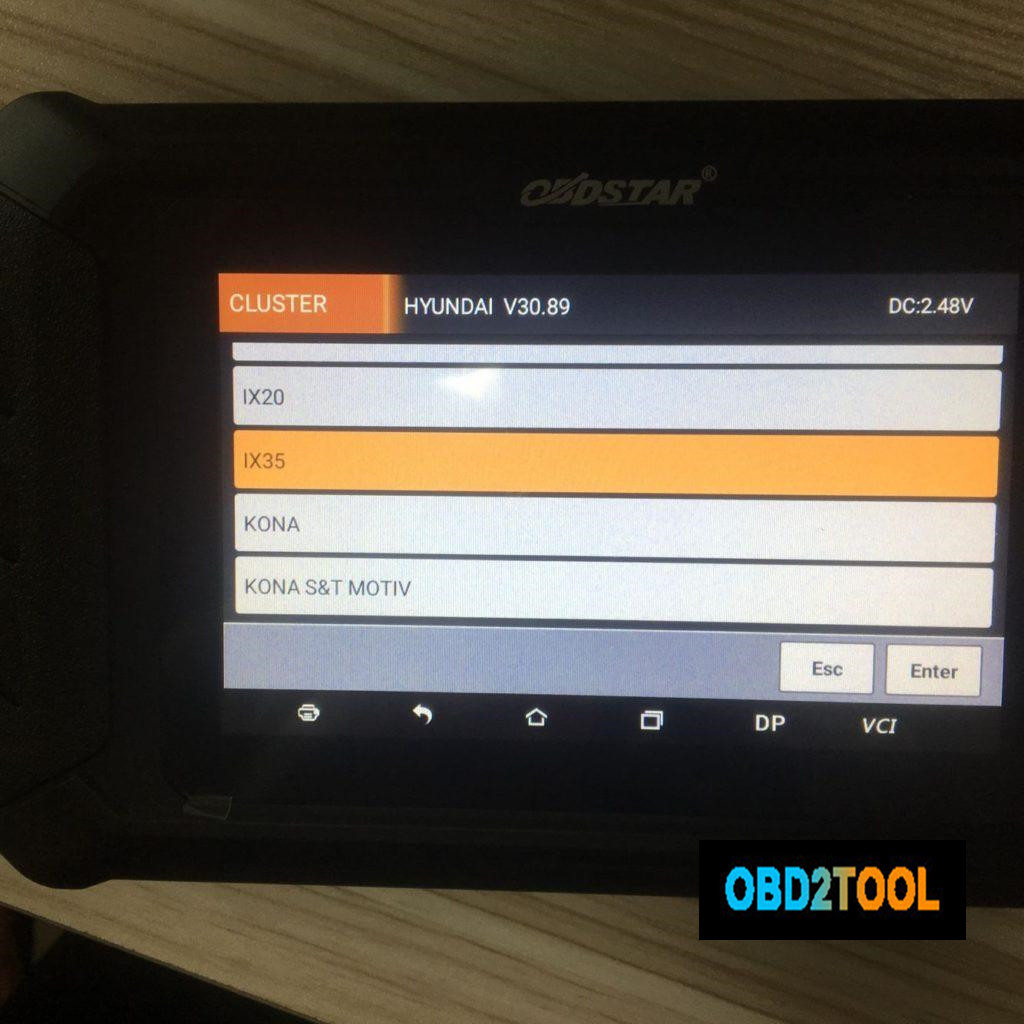
Use obd2 cable to connect obdstar odo master to the Hyundai IX35, open the machine, tap "Clusterâ€, then "Hyundaiâ€.
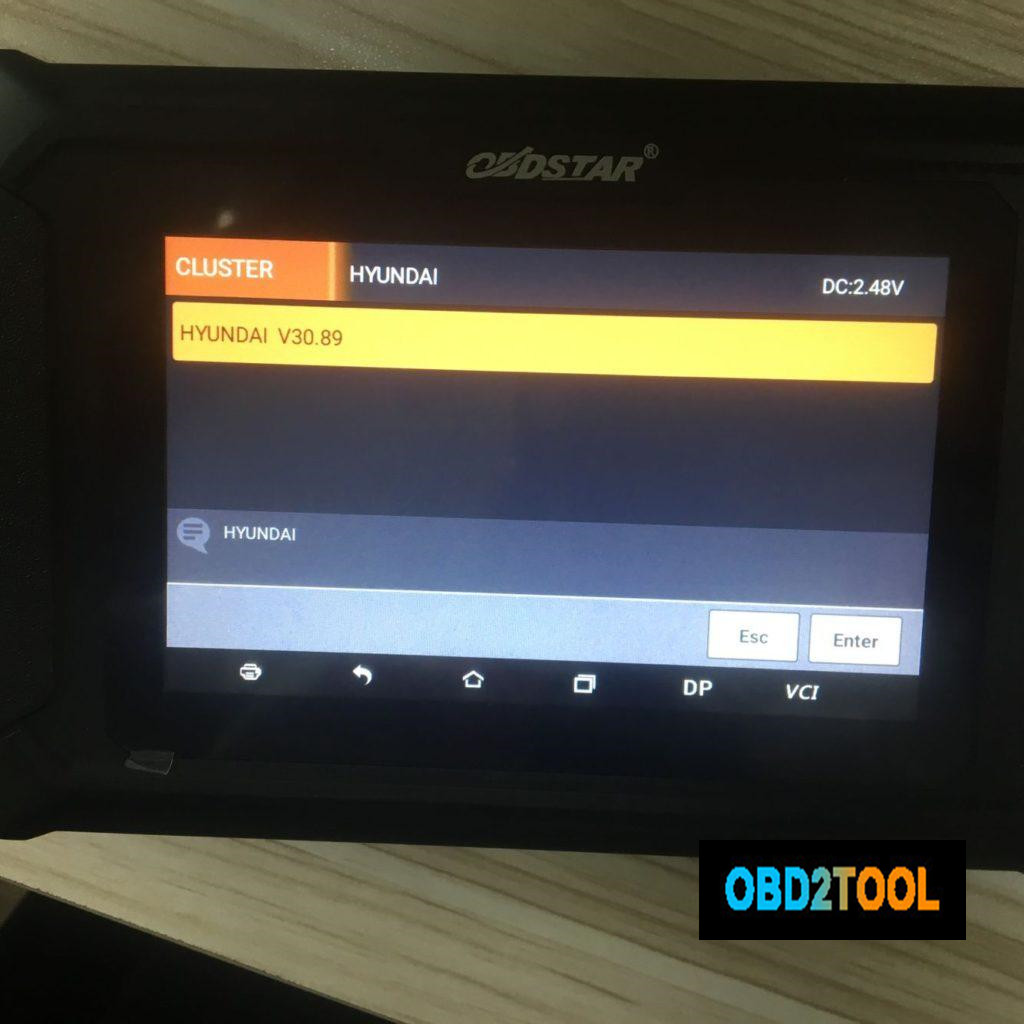
Hyundai IX35.
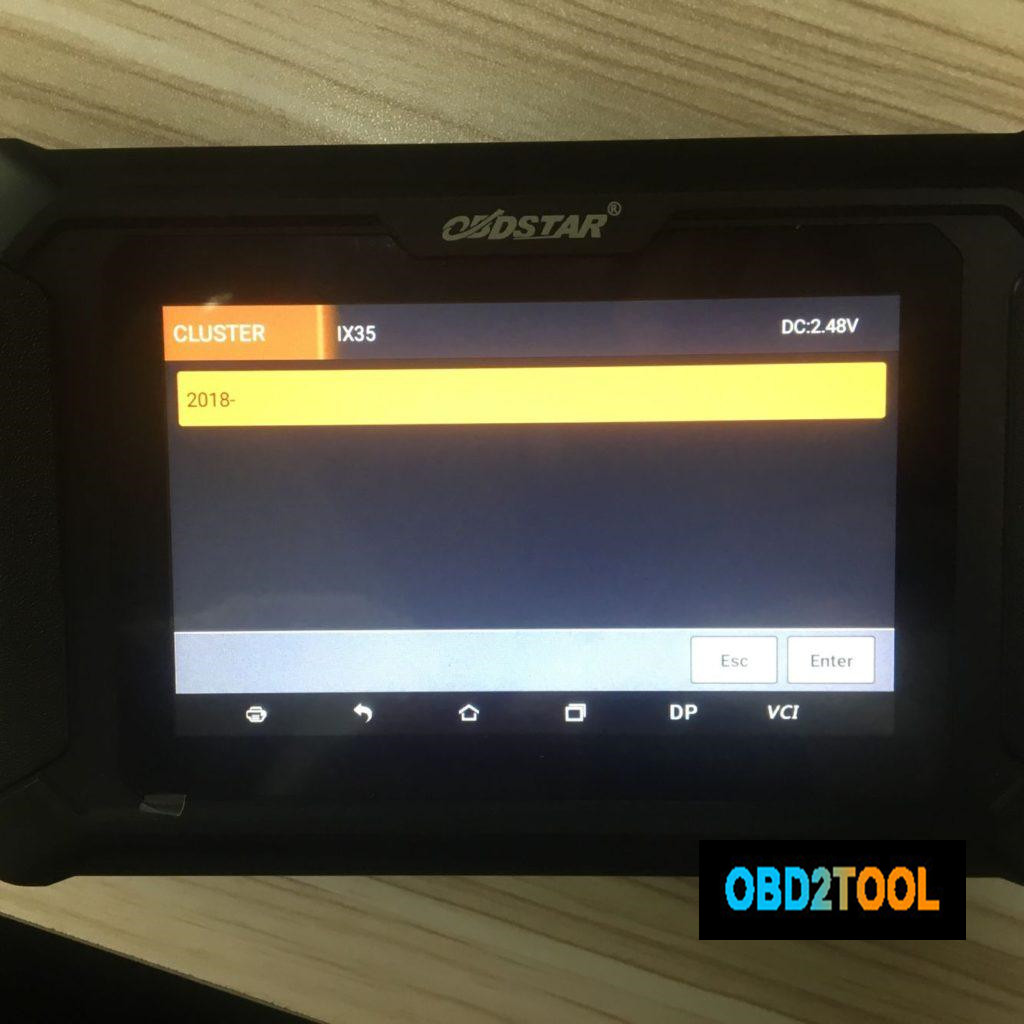
2018 – (Year)
Mileage Calibration.
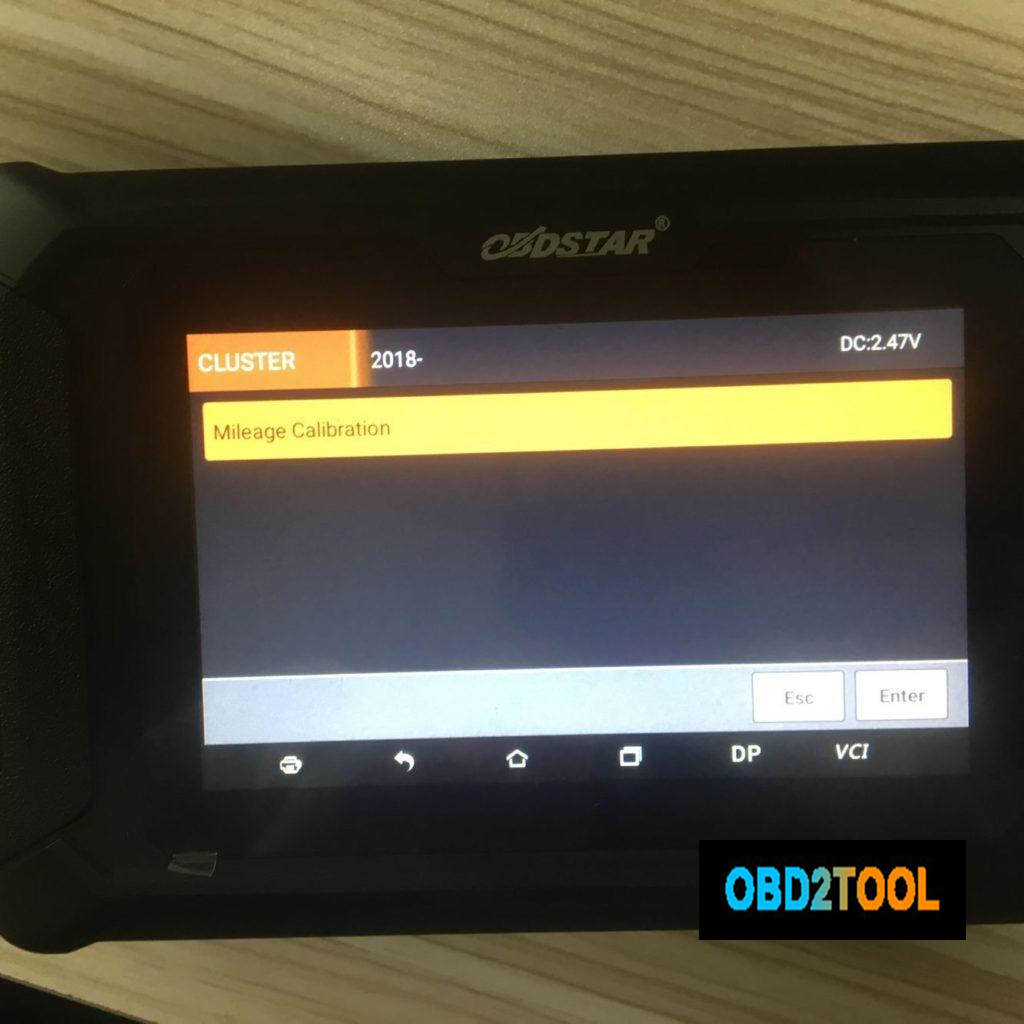
Go on to follow the on-screen instruction to finish mileage calibration, the machine comes with "Help†file that you can follow.
OBDSTAR ODO Master both can do mileage change for Hyundai i20 2014:
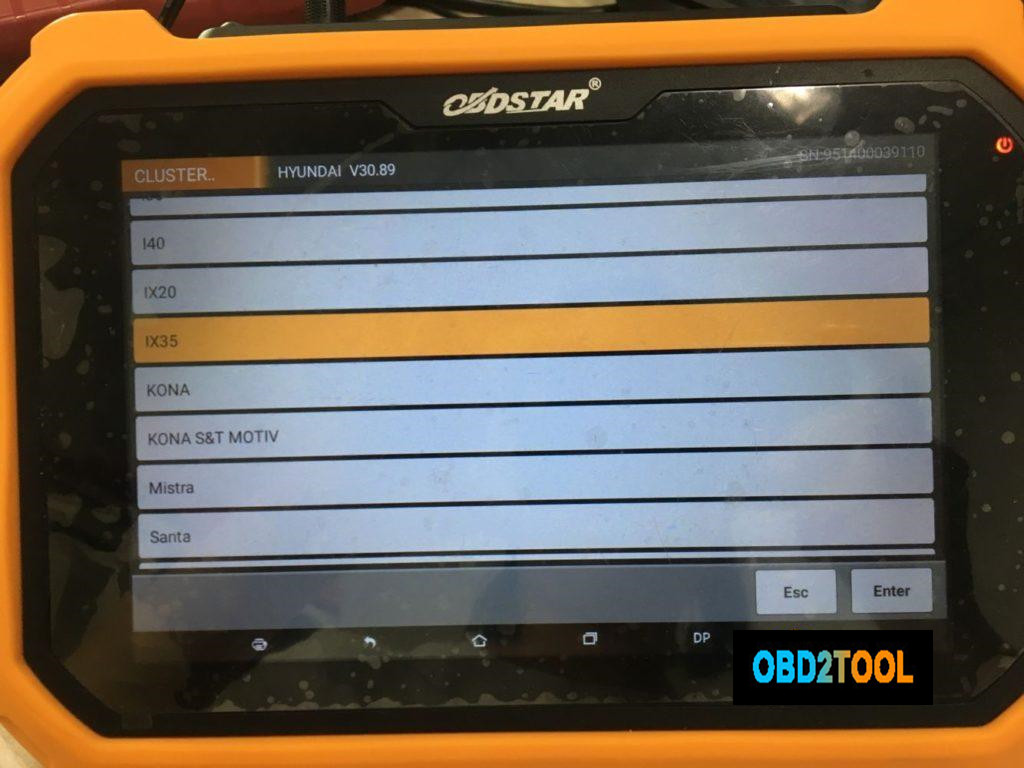
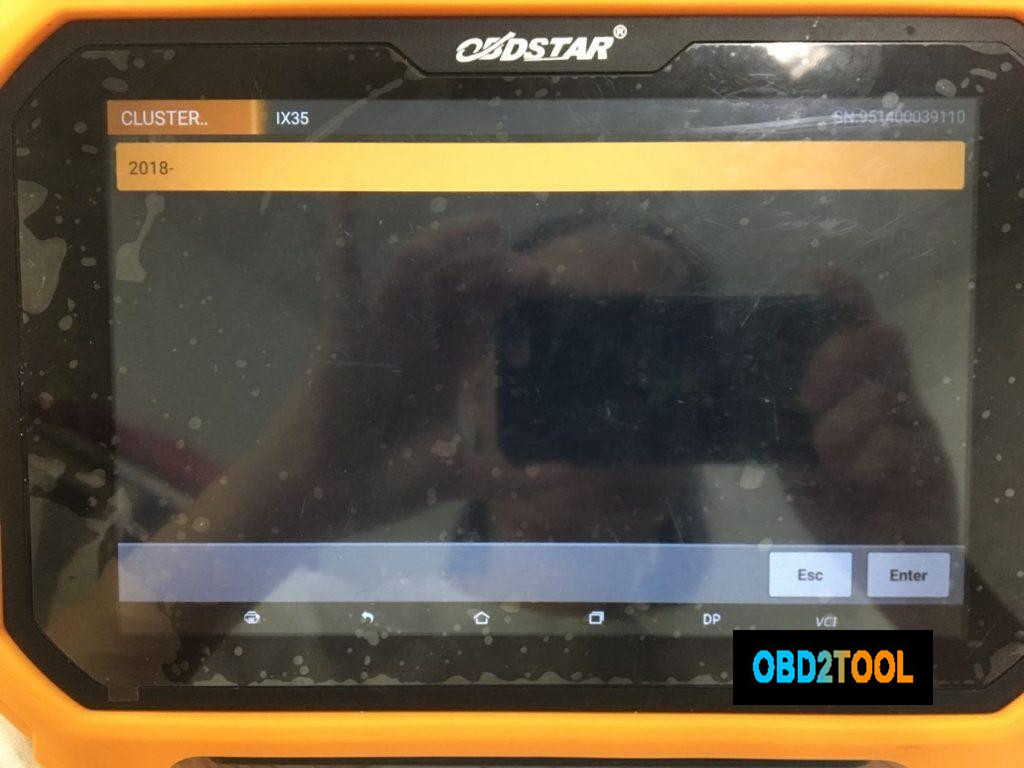
Part 2: obdstar X300 DP Plus Hyundai IX35 2018 – mileage calibration via obd
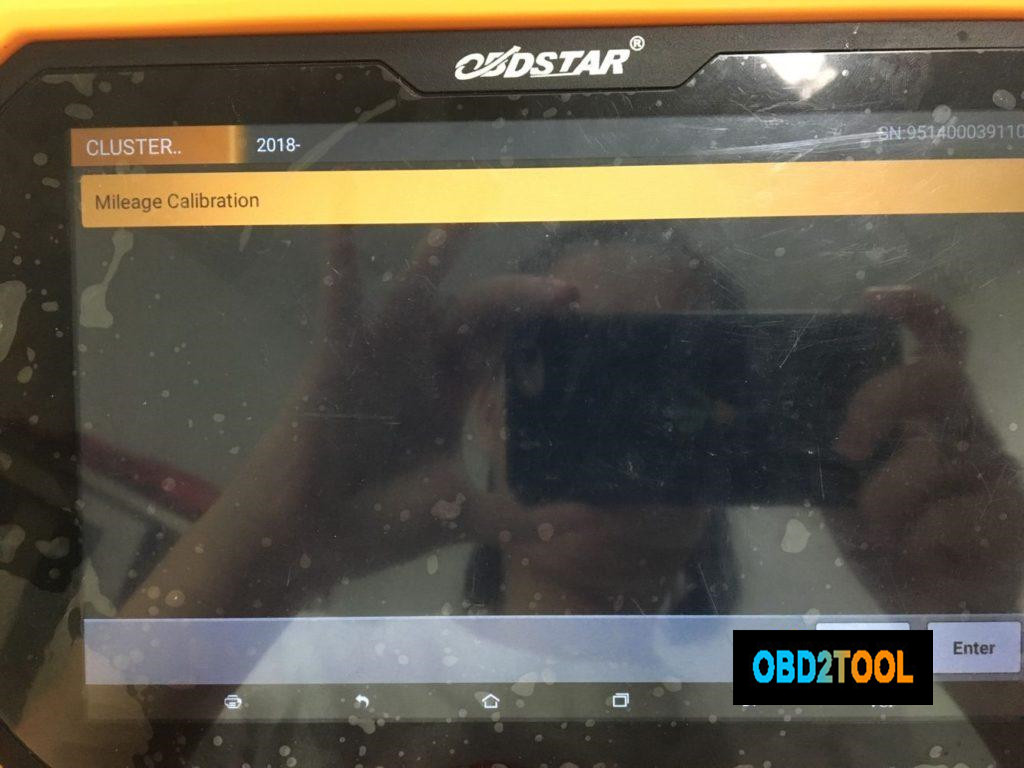
Use obd2 cable to connect obdstar X300 DP Plus to the Hyundai IX35, open the machine, tap "Clusterâ€, then "Hyundaiâ€.
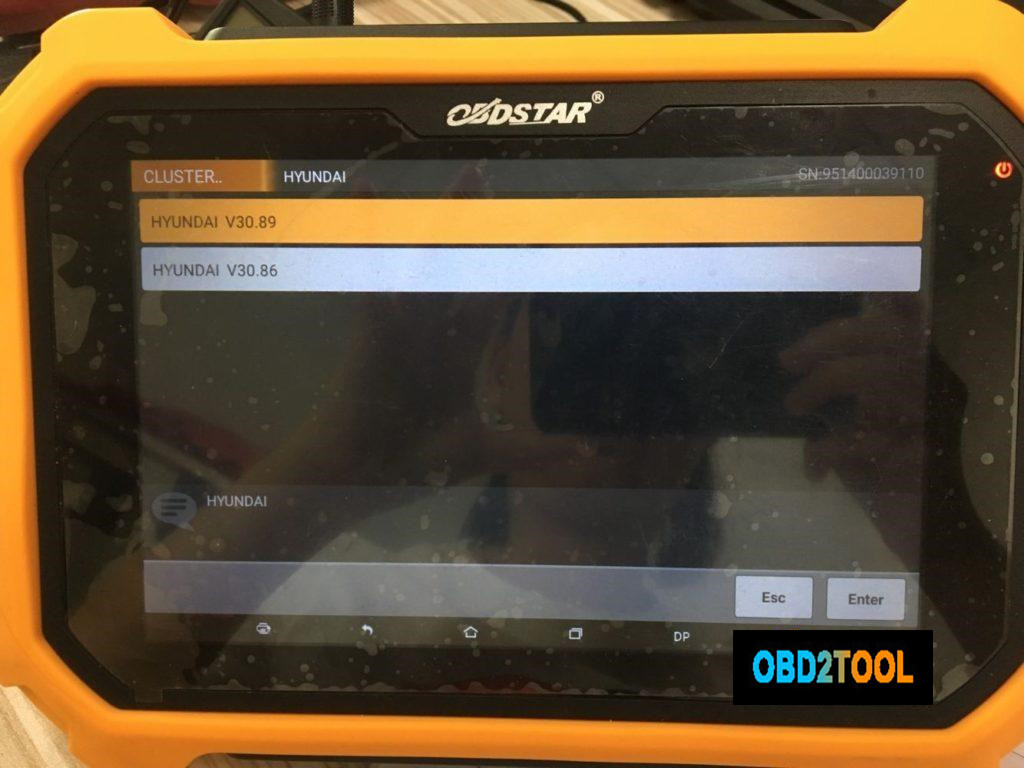
Hyundai IX35.
2018 – (Year)
Mileage Calibration.
If you don’t have super luxury cars to program keys, you can choose obdstar odo master,
If you have super luxury cars to program keys and sometimes do some service reset, you choose obdstar x300 dp plus.
Posted by: Emily white at
10:23 AM
| No Comments
| Add Comment
Post contains 216 words, total size 3 kb.
32 queries taking 0.0228 seconds, 164 records returned.
Powered by Minx 1.1.6c-pink.

