



April 08, 2019
Here Obd2tool.com share the procedures to read Freescale MC68HC908GR16(0M76Z) by XPROG-M.
Preparations:
XPROG-Mv5.84 Programmer Interface4
How to Install XProg-M V5.84 Software on Win7
Procedures:
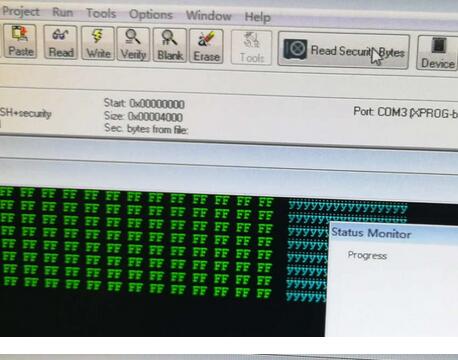
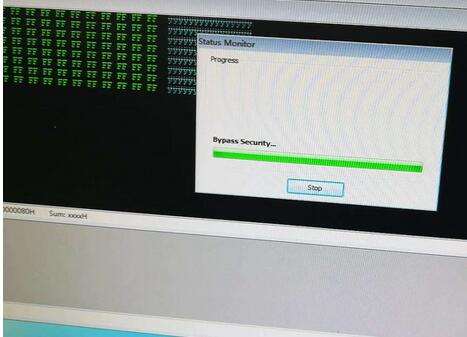
Open Xprog software (5.70, 5.74, 5.84) , click on "Read Security Bytesâ€.
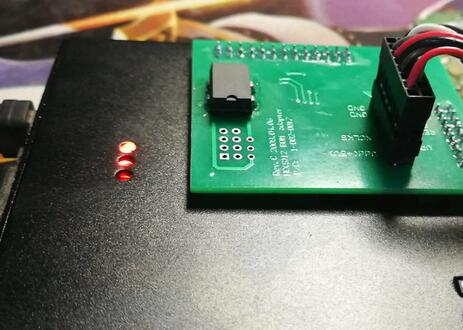
You can see the indicator flashes during the process.
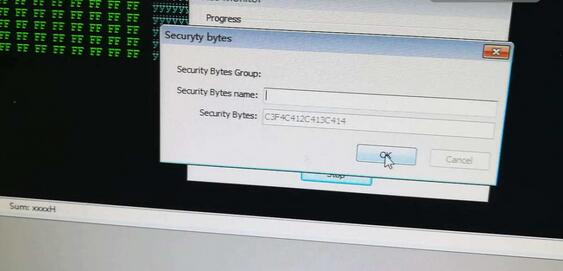
No need to enter any "Security Bytes Nameâ€, just click on "OKâ€.
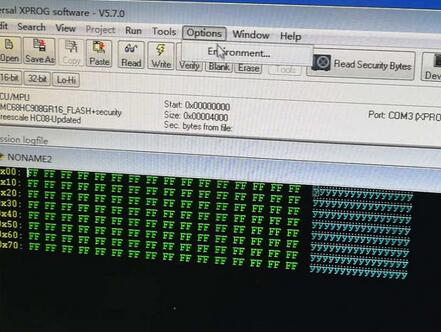
Click on "Optionsâ€, then "Environmentâ€.
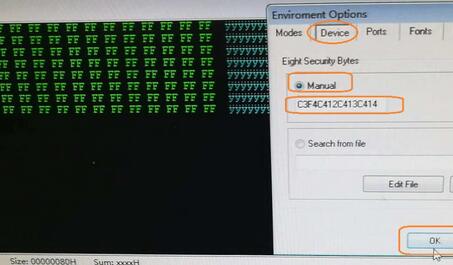
Select "Deviceâ€, then "Manual†and then input "C3F4C412C413C414â€, then "OKâ€.
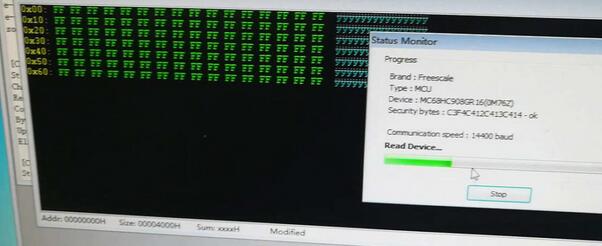
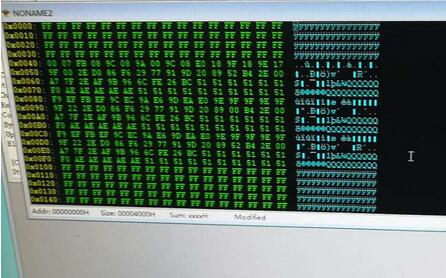
Click on "Readâ€.
Brand: Freescale.
Type: MCU
Device: MC68HC908GR16(0M76Z)
Security bytes: C3G4C412C413C414 – ok

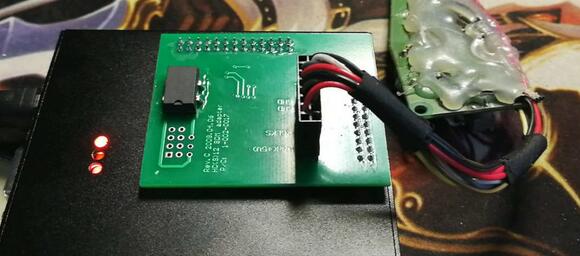

Done.
Posted by: Emily white at
06:33 AM
| No Comments
| Add Comment
Post contains 95 words, total size 4 kb.
35 queries taking 0.0468 seconds, 162 records returned.
Powered by Minx 1.1.6c-pink.

