



November 19, 2019
Lonsdor K518ISE or K518S key programmer connecting the Kprog2 to be able to flash an eprom soic chip AT93C56.
Steps:
step 1: read eeprom data
step 2: edit data in hex editor
step 3: write data
step 4: read data again
step 5: check data in hex editor
in detail…
step 1: read eeprom data
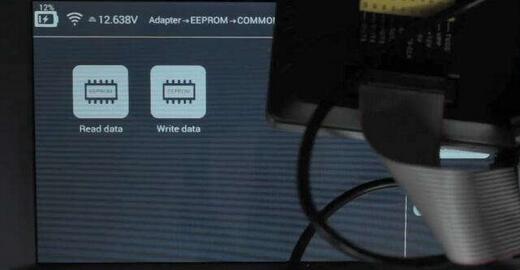
eeprom connection to Kprog is done and ready for reading data using Lonsor k518ise


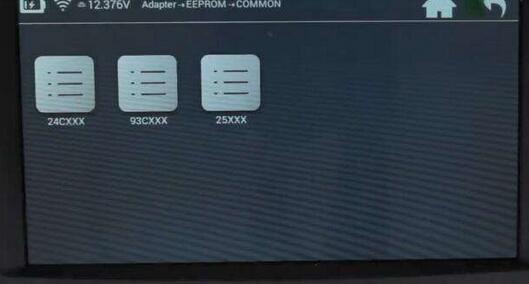
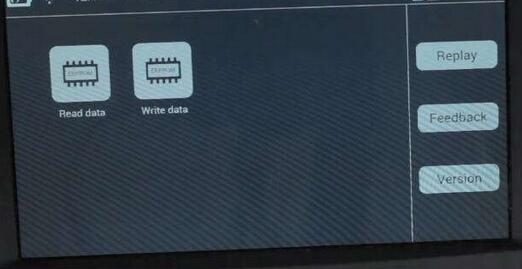
settings – adpater – eeprom – common – 93CXXX – read data



 -
-
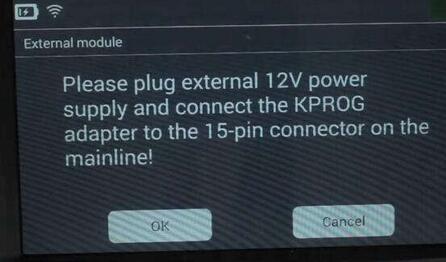
plug external 12v power supply and connect KPROG adapter to the 15-pin adapter on themainline
select chip type:

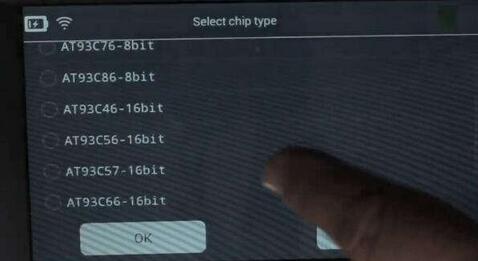
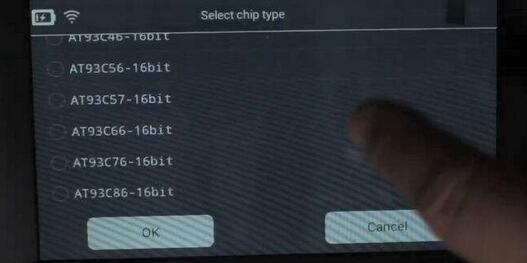
here, select AT93C56-16bit
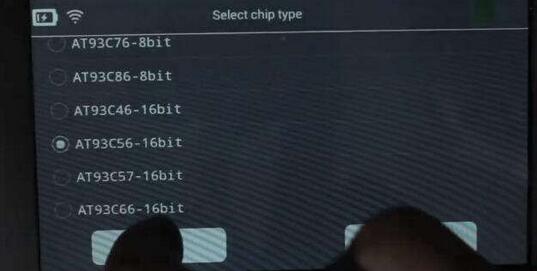
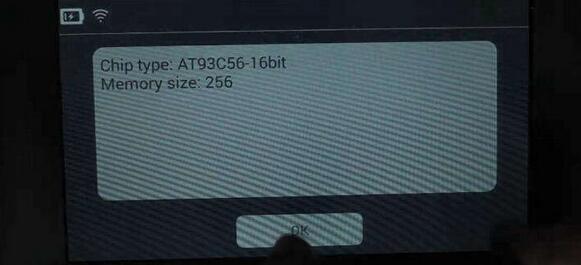
then save the bin file, name it as WE3.bin

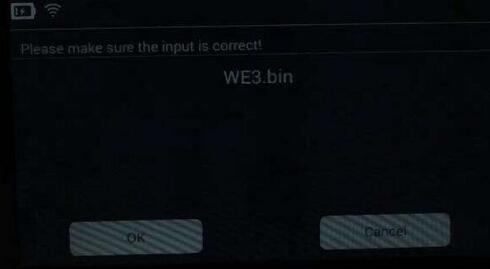
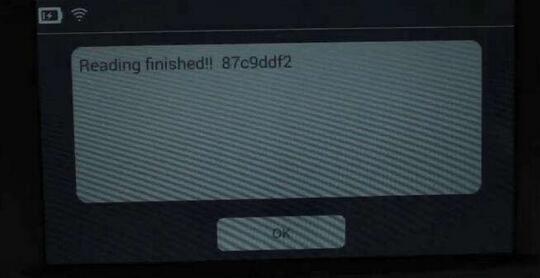
finished reading eeprom
step 2: edit data in hex editor
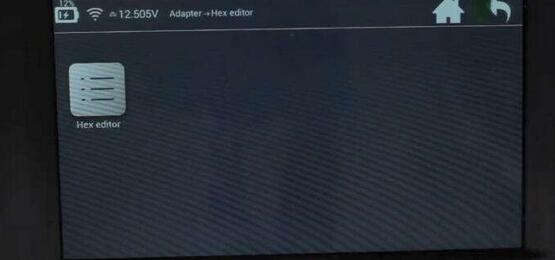
back to the hex editor under adapter

then hex editor, hex editor

open file – folder: file – folder: feature_29 – WE3.bin
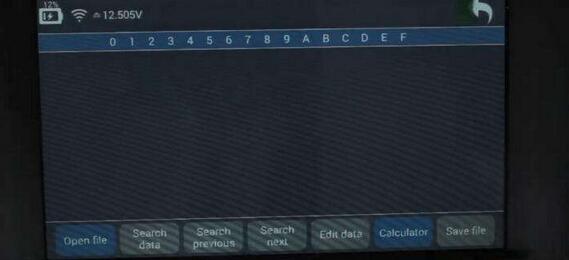
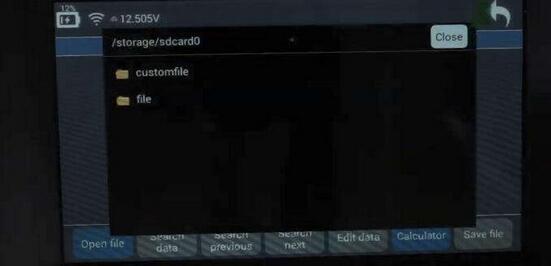
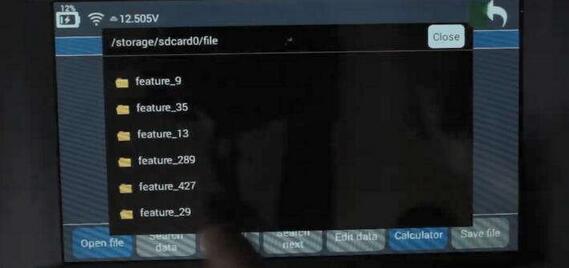
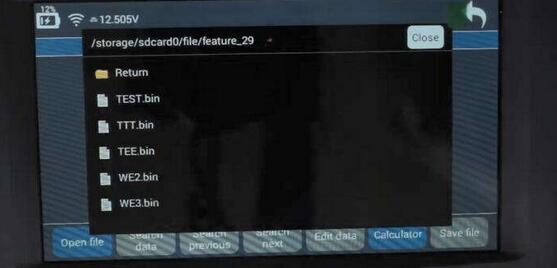
edit data
change 00 into 88

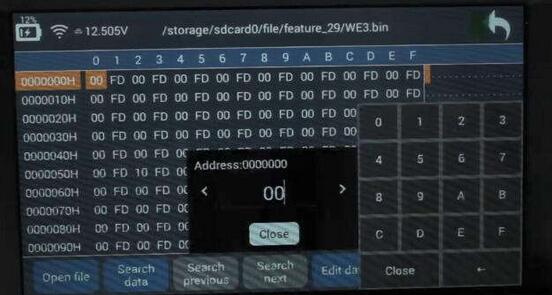
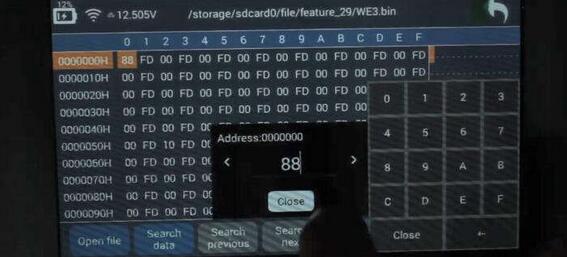
save data
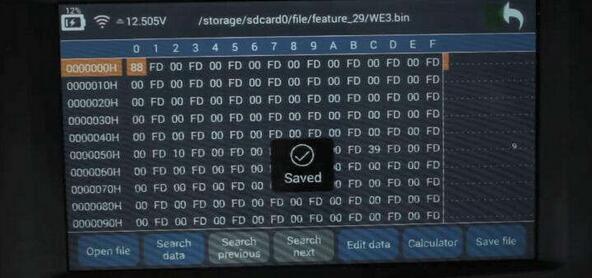
step 3: write data
back to eeprom – common – 39cxxx – write data

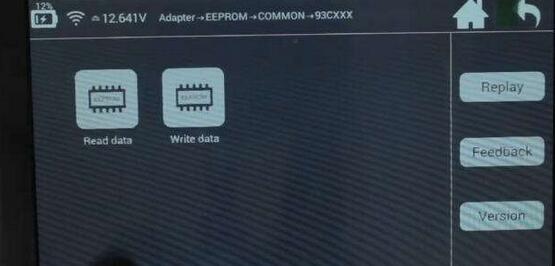
pls plug external 12v power supply and connect the kprog adapter to the 15-pin connector on the mainline
select chip type: at93c56-16bit
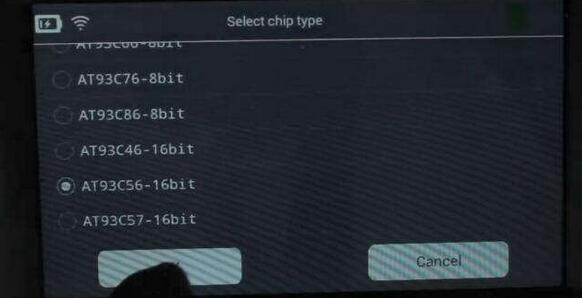
Lonsdor k518ise managed to write eeprom!
step 4: read data again
back to read data under 93cxxx
pls plug external 12v power supply and connect the kprog adapter to the 15-pin connector on the mainline
select chip type: at93c56-16bit
save data. file name: WE4.bin
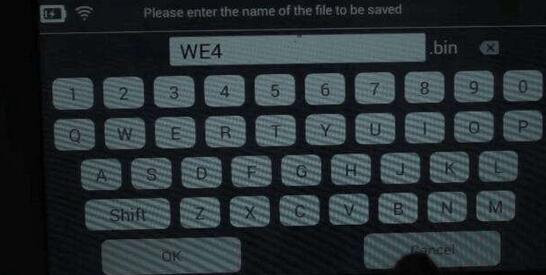
lonsdor read eeprom successfully!

step 5: check data in hex editor
back to hex editor – hex editor – hex editor
open file: folder "file†– folder "feature_29†– WE4.bin
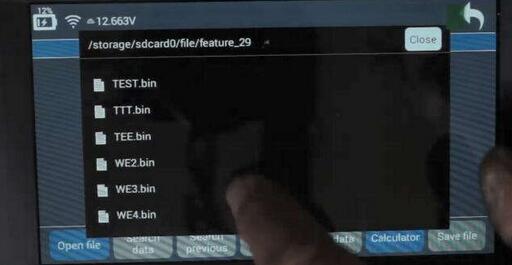
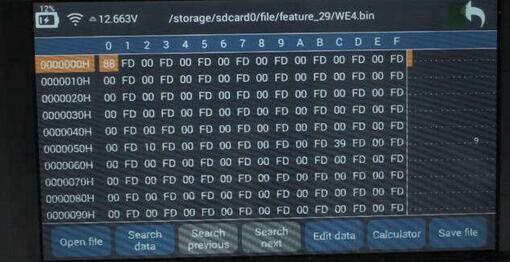
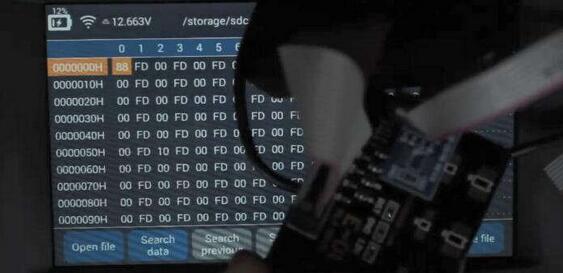
job’s done!
Posted by: Emily white at
10:52 AM
| No Comments
| Add Comment
Post contains 273 words, total size 18 kb.
35 queries taking 0.0389 seconds, 162 records returned.
Powered by Minx 1.1.6c-pink.

