



March 16, 2020
Confirmed! Auro IM600 or Autel MaxiIM IM608 Can clear Audi A3 error code via OBD, with one-key clear, Only takes 2 minutes
Here is the step-by-step guide of Audi A3 Car Error Code Removal with MAXIIM IM608/Auro IM600
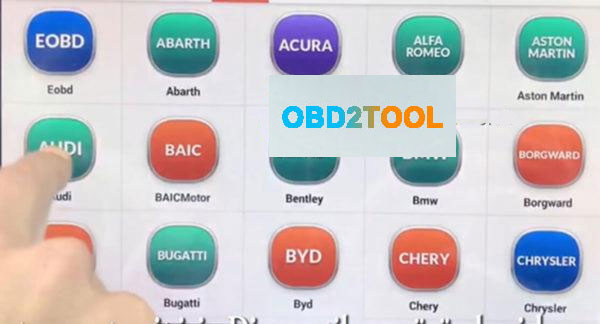
First, connect Autel IM608 to the vehicle, enter menu select Diagnostic function then select "AUDIâ€
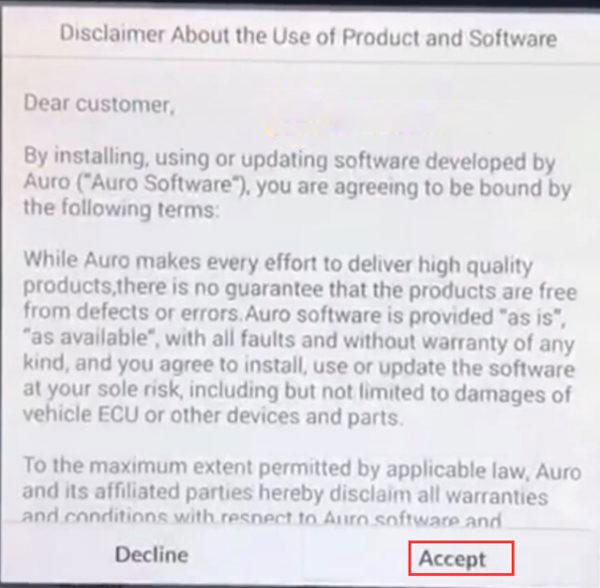
Accept their disclaimer, then diagnostic program loading, wait a moment …

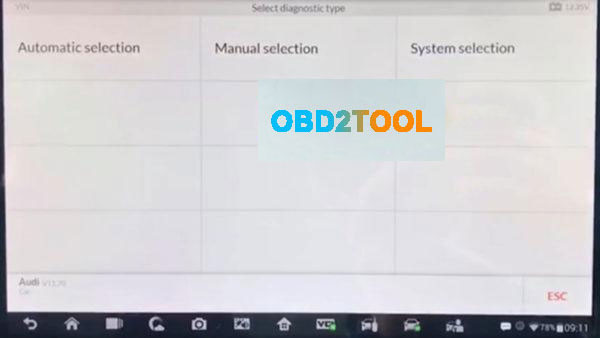
Automatic selection: Device can read automatic VIN number by
OBD after that device will select the car’s system.
Manual selection: If u know car mark, Model and years information u can use this option
System selection: If u know car system, u can select directly car system than
you can read all DTC code
Note: The first automatic selection should be preferred.
Here select "Automatic selection†to read VIN
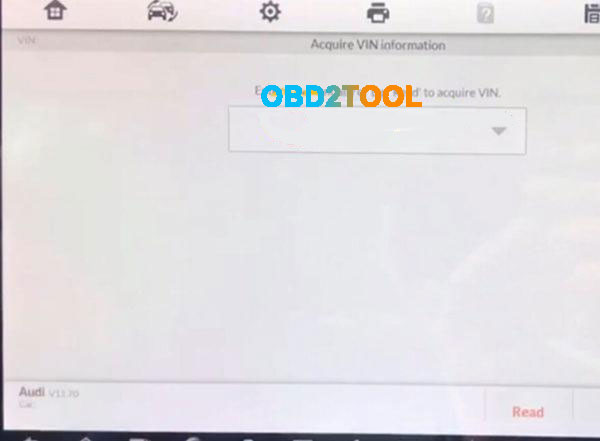
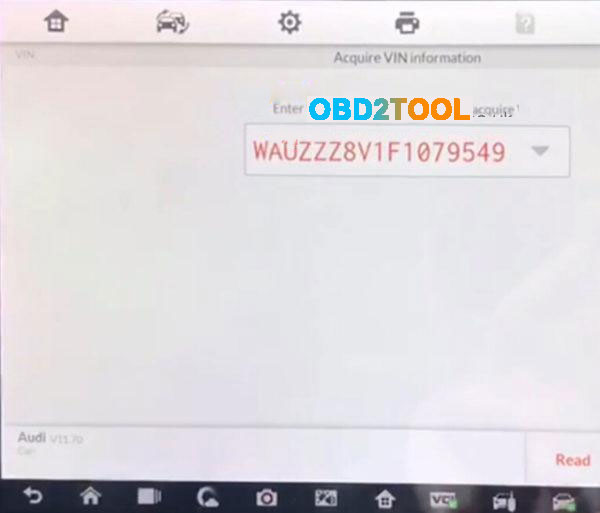
Read the vehicle info:
Vehicle type: Audi A3 2013>
Vehicle yeas:2015(F)
Then press "YES†to continue
Note: Sometimes it may be necessary to choose according to the vehicle feature.
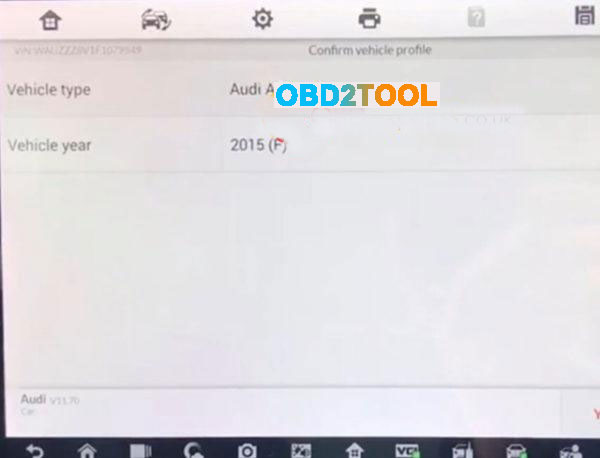
Select"Saloon, 4-doorâ€
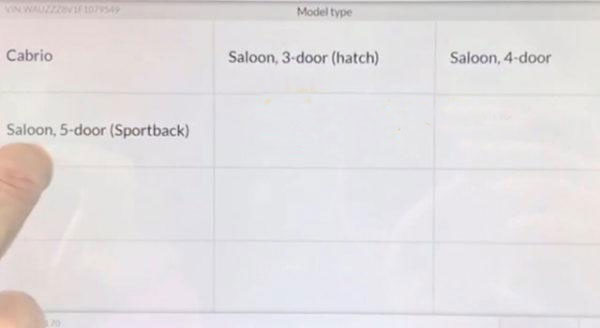
Select"CLHA 1.61 TDI/77KWâ€
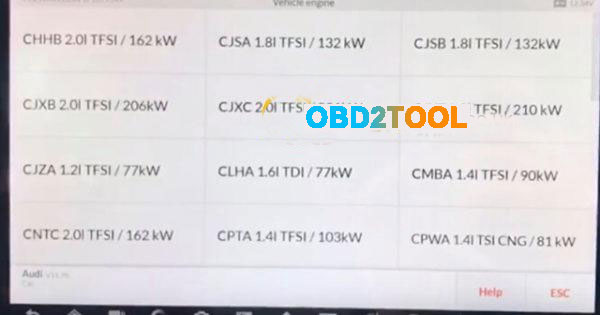
Note:The initial word of the vehicle engine number, the other parts is motor
indicates information.
Diagnosis –automatic selection by can see the all error codes with scan
Selectâ€Diagnosisâ€
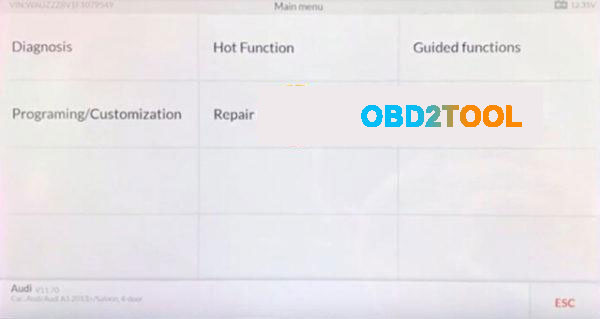
Selectâ€Auto scanâ€
then communication status..Wait a moment

Error and Number Errors as below:
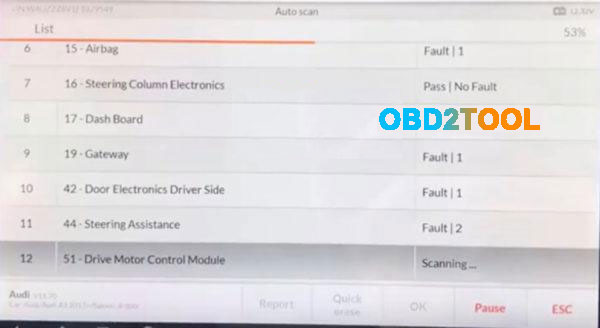
After the code is read out, press "Quick eraser†to clear,only 1 minute
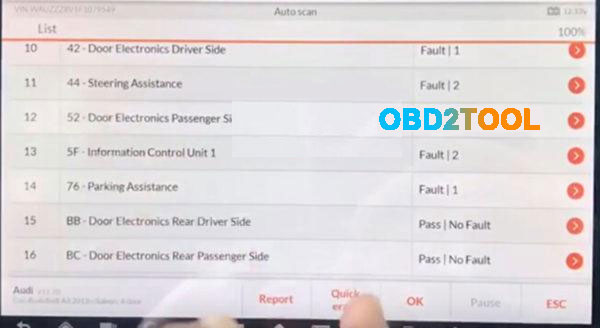
after the code error clean,pressâ€ESC†to exit and back to the diagnotic menu interface
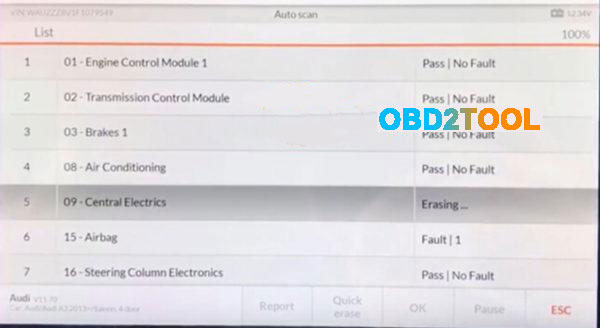
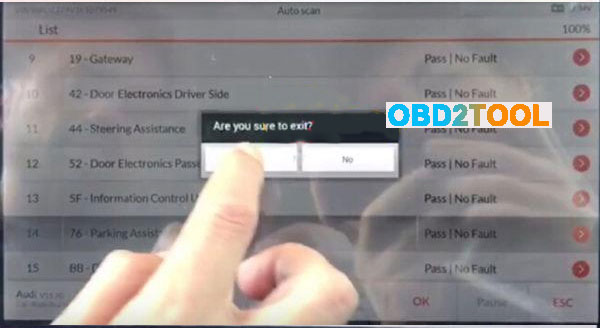
Done! Audi A3 2015(F) Error Code clear via IM608/IM600 is OK!
Posted by: Emily white at
10:18 AM
| No Comments
| Add Comment
Post contains 256 words, total size 8 kb.
35 queries taking 0.0218 seconds, 162 records returned.
Powered by Minx 1.1.6c-pink.

